Consult the responses
Access to responses
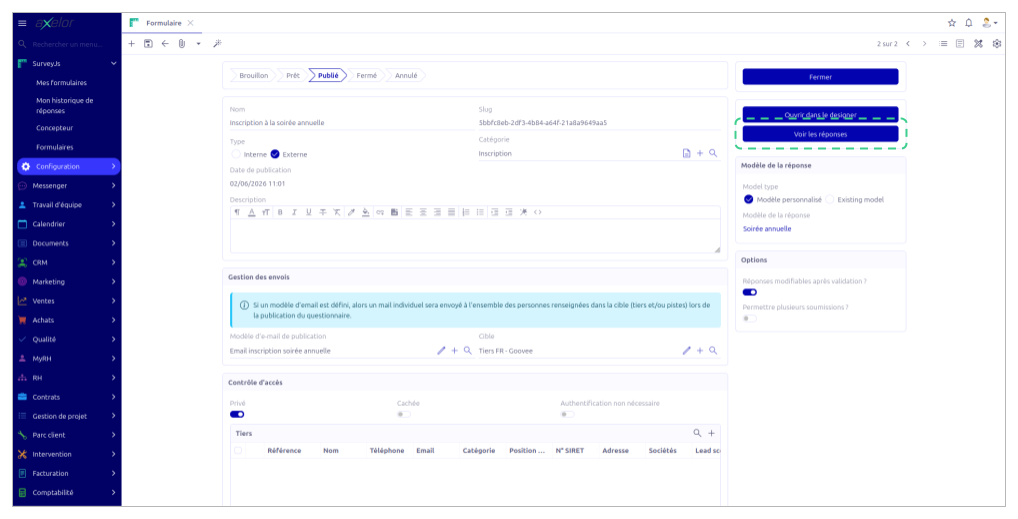
On the form of a survey in Published or Closed status, the View responses button appears in the right side column. By clicking on it, the administrator accesses the complete list of responses collected for this survey.
Content of the response list
The content and presentation of responses vary according to the chosen storage mode.
In Custom mode, each response is a standalone record that gathers the respondent's identity, the submission date and the answers to the various questions. By clicking on a record, the administrator can view the complete detail of the response.
In Existing mode, responses are not presented in dedicated records but directly in the records of the target entities (partner, lead, etc.). The displayed list gathers the records for which responses were recorded via this survey. The administrator can open each record to consult the responses in their context.