Call a Connect Scenario During a Process Execution
Description
This document outlines the steps required to call a Connect scenario during the execution of a process. This feature allows for the integration of external workflows and services directly into your business process management (BPM) workflows.
Prerequisites
Before you can use this feature, ensure that:
-
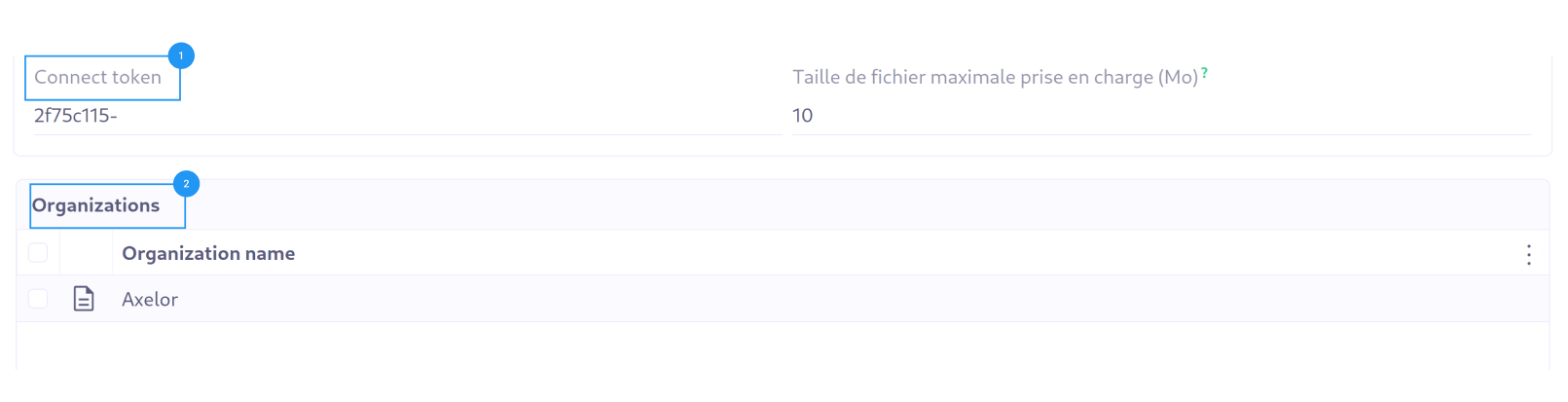
The Connect module is configured with the necessary token and company information.
-
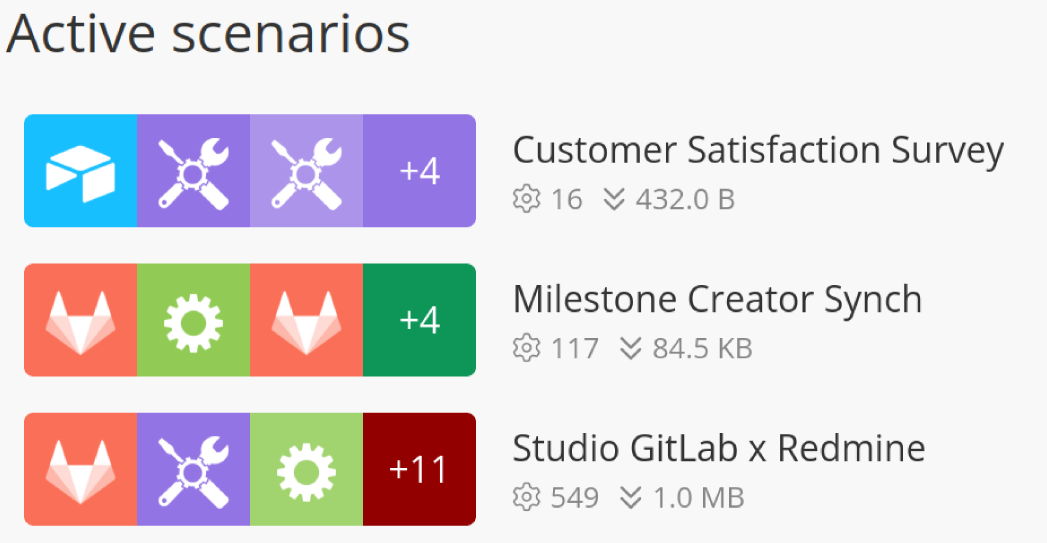
You have already designed some scenario in the Connect application.
-
-
You have the Studio pro application available and installed.
Configuration
Configuring the Connect Module
-
Navigate to the Connect module configuration settings.
-
Enter the
Token(1) provided by your Connect account. -
Specify the
Company(2) identifier associated with your Connect scenarios. -
Implementing a Service Task in a BPM Model
-
-
Open your BPM model in the BPM designer.
-
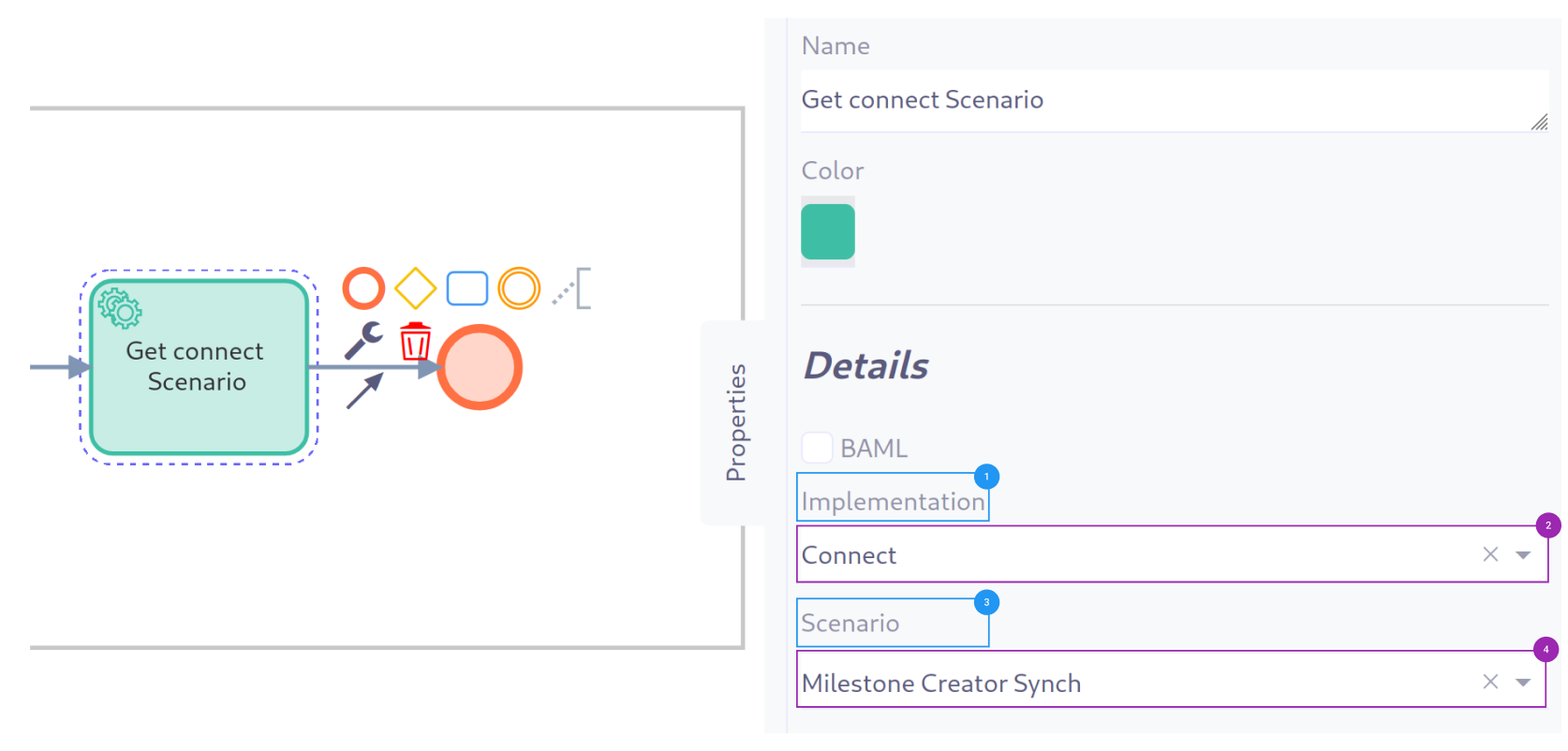
Add a new
Service Taskto your model where you want the Connect scenario to be triggered. -
In the service task settings, select the
Connect(1) & (2) option from the list of available service types. -
A list of existing scenarios within your Connect organization will be displayed (3) & (4). Select the scenario you wish to trigger.
-
Deployment and Execution
-
Once your BPM model is configured with the Connect service task, deploy the process to your BPM engine.
-
Trigger a new instance of the process. This can be done through your application’s user interface or via an API call, depending on your setup.
-
When the service task is activated during the process execution, the corresponding Connect scenario will be automatically triggered.
Monitoring and Troubleshooting
-
Monitor the execution of your process and the Connect scenario through the BPM and Connect module dashboards, respectively.
-
In case of any issues, check the logs for errors related to the Connect scenario execution or the service task configuration.
By following these steps, you can seamlessly integrate external services and workflows into your BPM processes, enhancing your application’s capabilities and automating complex workflows.