LinkScript
Introduction
A LinkScript is a named, reusable Groovy script that can be chained with other LinkScripts to build a directed graph of small scripts. Instead of writing one large script, you split your logic into individual LinkScripts and connect them through arcs, where the output of one script feeds the next. This makes complex scripting logic modular, composable, and testable.
LinkScripts are managed from App > LinkScript (the menu is visible when the Studio application is installed).
LinkScript List
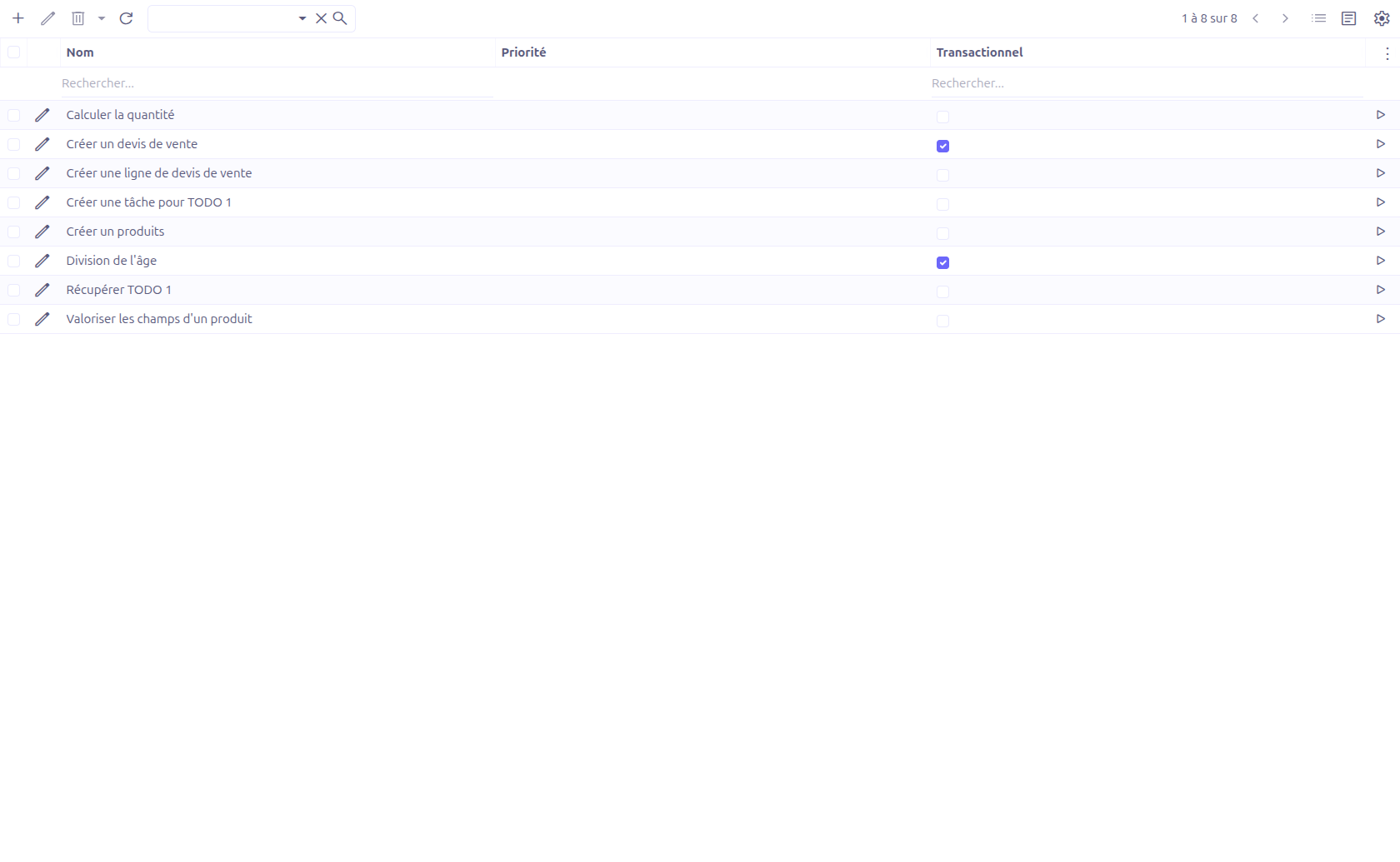
The grid view lists all existing LinkScripts. Each row provides a Test button (play icon) that saves the record and opens the test popup directly.
Creating a LinkScript
Navigate to App > LinkScript and click New.
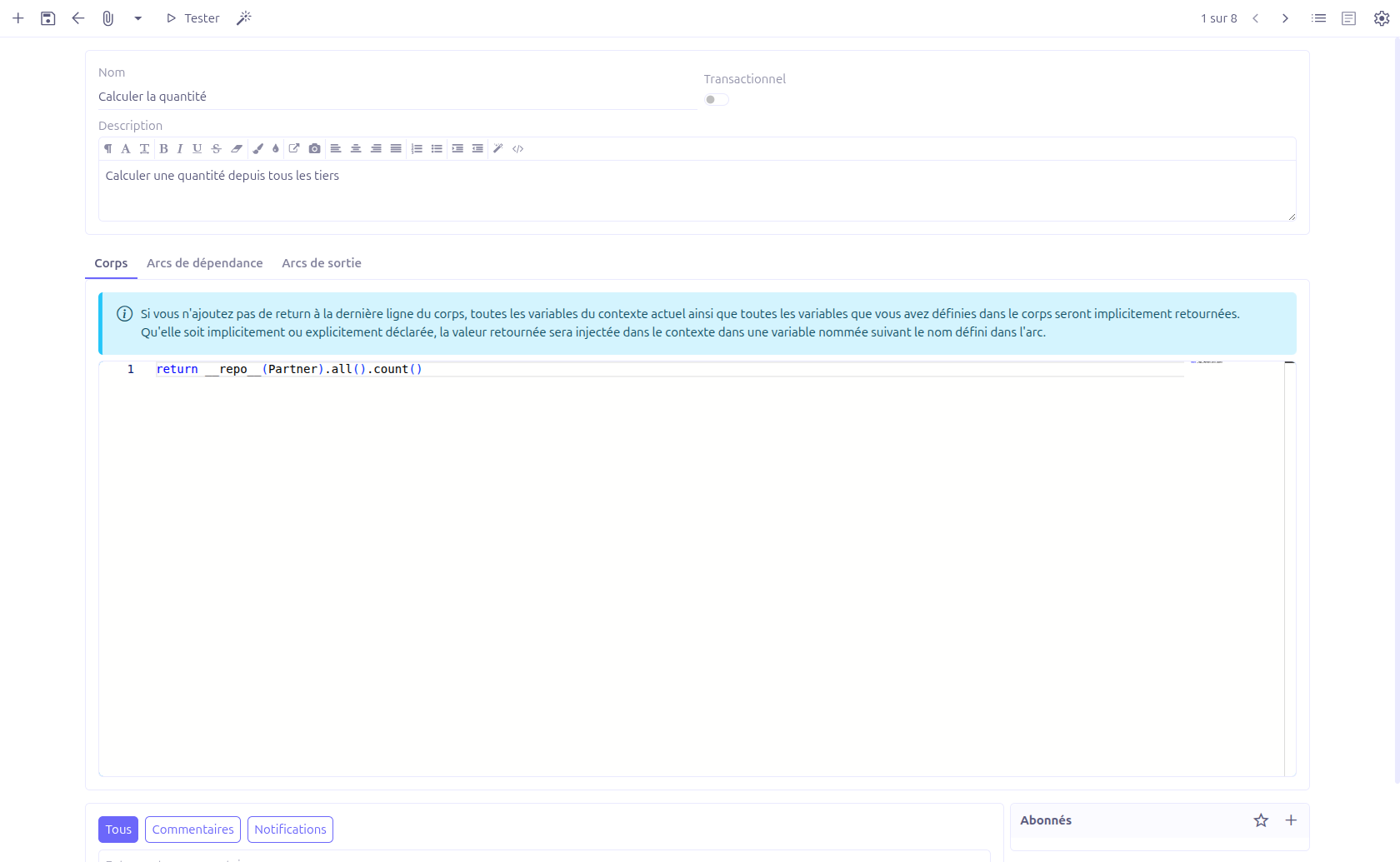
Form Fields
| Field | Required | Description |
|---|---|---|
Name |
Yes |
Unique name identifying the LinkScript. This name is used to call the script (from another LinkScript arc, from the |
Transactional |
No |
When enabled (BooleanSwitch), the LinkScript runs inside a database transaction. Defaults to |
Description |
No |
Free-text description of the LinkScript (HTML editor). |
Body |
Yes |
The Groovy script executed by this LinkScript. Edited in a code editor (Java/Groovy syntax highlighting). |
Body
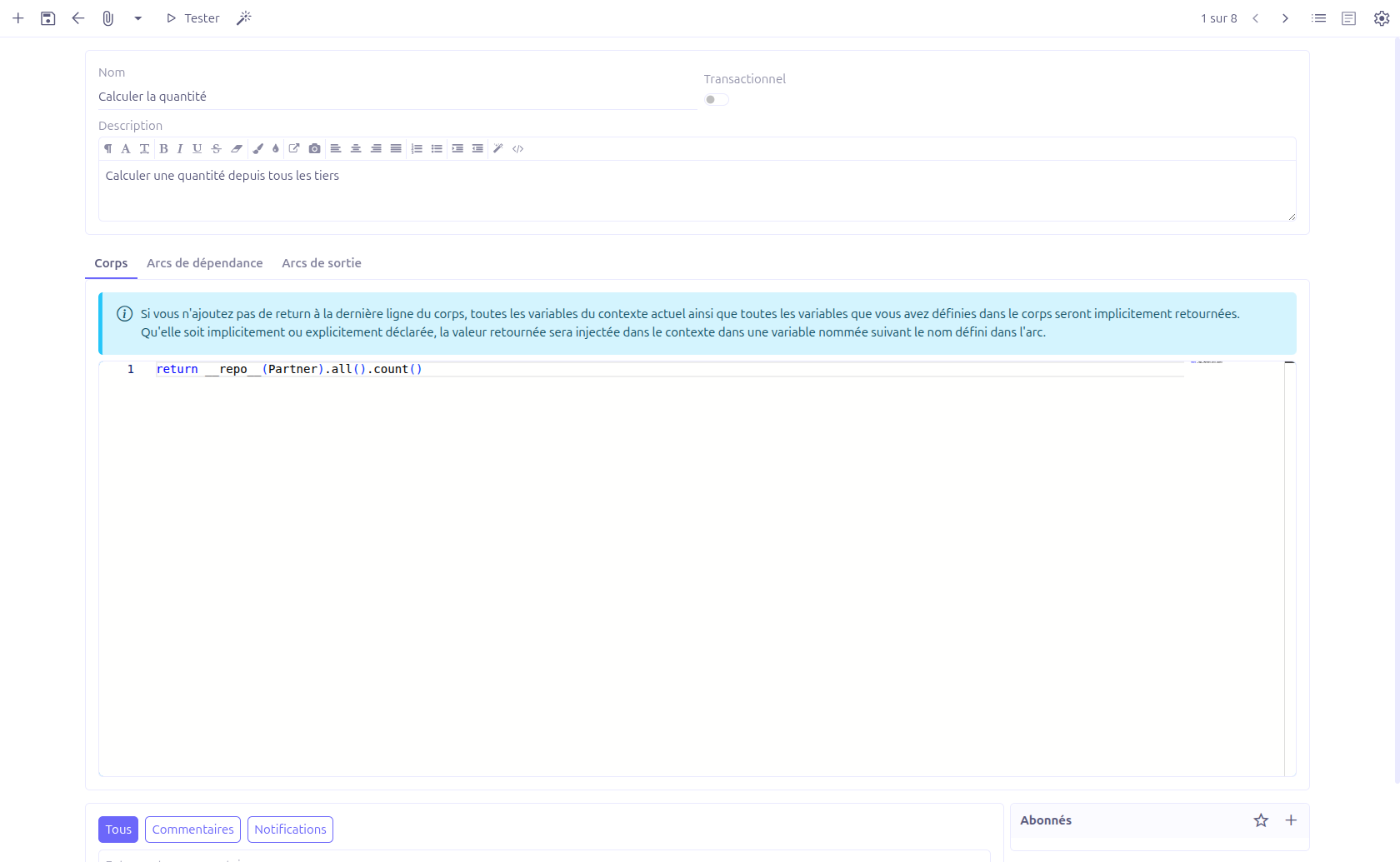
The Body tab holds the Groovy script.
|
If you do not add an explicit |
Arcs
A LinkScript is connected to other LinkScripts through arcs (LinkScriptArc). An arc is a directed link from one LinkScript to another, optionally guarded by a condition. There are two kinds of arcs on a LinkScript form:
-
Dependency arcs: LinkScripts that must run before this one. Their results are collected and exposed to the body through a
variablesmap (keyed by the arc name). -
Output arcs: LinkScripts that run after this one, receiving this LinkScript’s result injected into their context.

Each arc has the following fields:
| Field | Description |
|---|---|
Sequence |
Read-only ordering value. Arcs are evaluated in ascending sequence order. |
Name |
The name under which the called LinkScript’s result is injected into the context. When left blank, the result is stored under the default key |
Condition |
An optional Groovy condition. The arc (and therefore the linked LinkScript) is only followed when the condition evaluates to true. An empty condition is always followed. |
To LinkScript |
The target LinkScript reached through this arc (required). |
Execution Model
When a LinkScript is run, the engine processes it as a graph traversal:
-
Each dependency arc (sorted by sequence) whose condition passes is executed first. The result of each dependency is added to a
variablesmap under the arc’s name (orresultwhen unnamed), and is also merged into the calling context. -
The
variablesmap is bound into the context, and the LinkScript body is evaluated. -
Each output arc (sorted by sequence) whose condition passes is then executed, receiving the body’s result injected into its context under the arc’s name.
Recursion depth is bounded: when the traversal exceeds the configured maximum recursion (AppSettingsStudioService.getMaximumRecursion()), execution stops with a "Too many recursions." error.
Built-in Bindings and Functions
Inside a LinkScript body, the following helpers are available in addition to the context variables:
| Binding / Function | Description |
|---|---|
|
The |
|
An SLF4J |
|
Concatenates its arguments into a single space-separated string. |
|
Returns an injected instance of the given service class (equivalent to |
|
Runs another LinkScript by name with the given argument map and returns its final result. |
|
Builds an HTTP request to the given URL (fluent helper backed by the JDK HTTP client) for calling external services. |
Testing a LinkScript
The Test button (available on the grid and on the form toolbar) saves the record and opens a test popup.
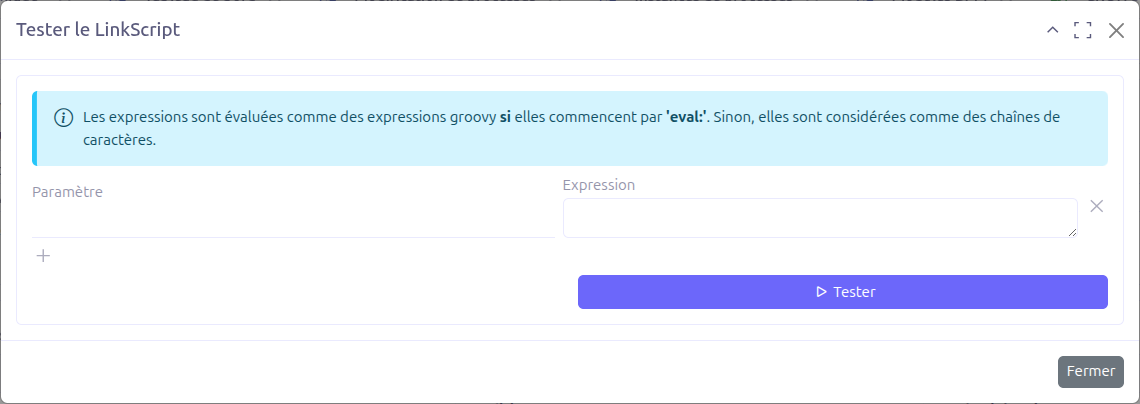
In the test popup you provide the script’s input Bindings:
| Field | Description |
|---|---|
Parameter |
The binding name (variable available in the body). |
Expression |
The value bound to the parameter. Expressions are evaluated as Groovy if they start with |
When you open the popup, the parameters are pre-filled from the dynamic variables detected in the body. Click Test to run the LinkScript with the provided bindings; the result is displayed as an information message.
Technical Details
Entities
LinkScripts are stored in the LinkScript entity (com.axelor.studio.db.LinkScript):
| Field | Type | Description |
|---|---|---|
|
String (required, unique) |
LinkScript name used to reference and call the script |
|
Boolean (default: false) |
Whether the script runs inside a transaction |
|
Large String |
Free-text description |
|
Large String (required) |
The Groovy script body |
|
O2M: LinkScriptArc |
Arcs to LinkScripts executed after this one |
|
O2M: LinkScriptArc |
Arcs to LinkScripts executed before this one |
Arcs are stored in the LinkScriptArc entity (com.axelor.studio.db.LinkScriptArc) with a sequence, a name, a conditionScript, and a required toLinkScript target.
LinkScriptBinding (persistable="false") is a transient entity used by the test popup to hold each parameter / expression pair.
Backend Services
-
LinkScriptService.run(name, context)— Entry point that runs a LinkScript by name with a context map and returns aLinkScriptResult. -
LinkScriptServiceImpl— Graph-traversal implementation that evaluates dependency arcs, the body, and output arcs in sequence order. -
LinkScriptGroovyEvaluator— Evaluates the Groovy body and arc conditions, and analyzes the body to detect its dynamic variables. -
LinkScriptController.setBindings()— Pre-fills the test popup bindings from the variables detected in the body. -
LinkScriptController.run()— Runs the LinkScript from the test popup with the provided bindings.
Related Pages
-
Builders Introduction — Overview of scripting and the Groovy context
-
Value Mapper — Visual field-to-field mapping tool