BI Snapshots
-
Snapshot is one of Axelor BI module features that allow taking snapshots of dashboards.
-
A click on
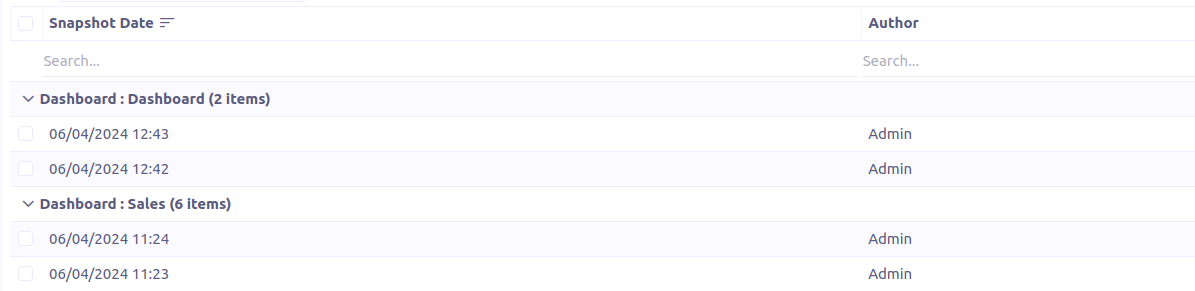
Snapshotsmenu redirects to a grid of snapshots grouped by dashboard.
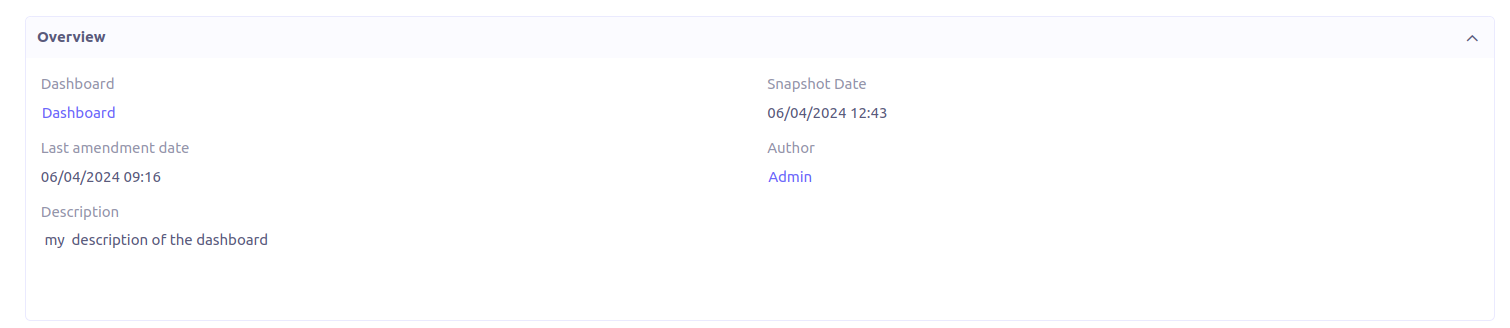
Form view


Create snapshots
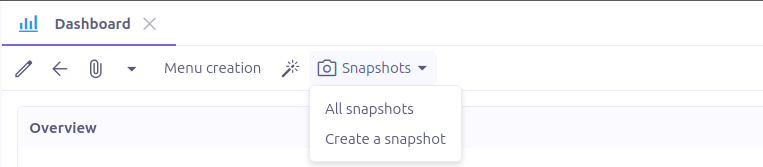
In the toolbar of the Dashboard form view, click on the entry menu Snapshots. It has two subentries:
-
All snapshots: Redirects to a new window with the list of the dashboard snapshots. -
Create a snapshot: Generates a snapshot for the current dashboard and open it in a new tab.
Snapshot generation is an asynchronous process that executes in a separate thread. Users are notified upon completion.
Only users with bi.admin role are allowed to create snapshots
|

Send a snapshot
-
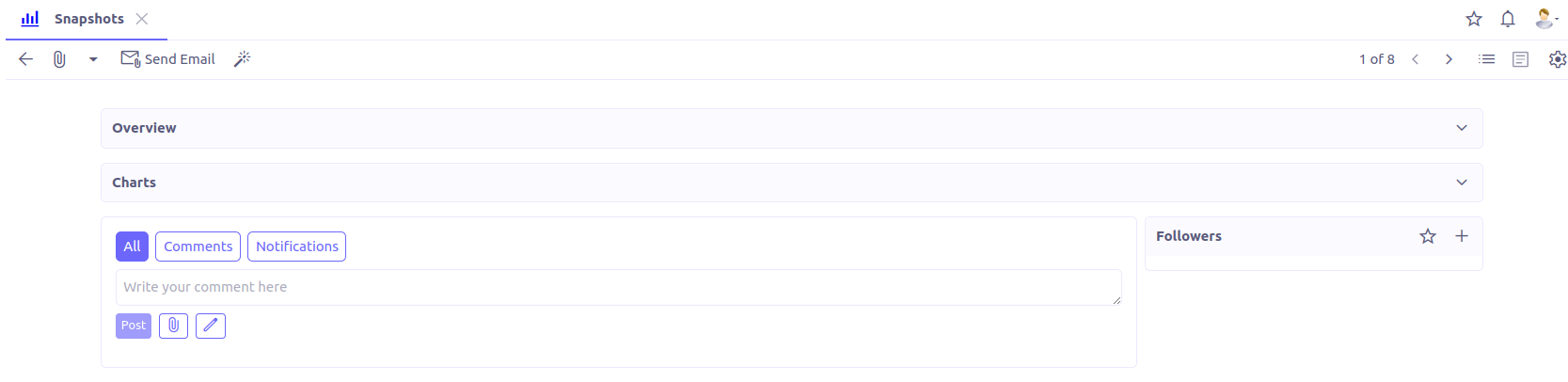
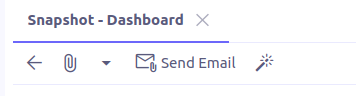
A snapshot can be sent via an email by clicking on
Send Emailfrom the snapshot form view. -
A window lets you select the email template to use for the email generation.
-
All chart images and CSV files will be attached to the email.
Snapshot scheduler
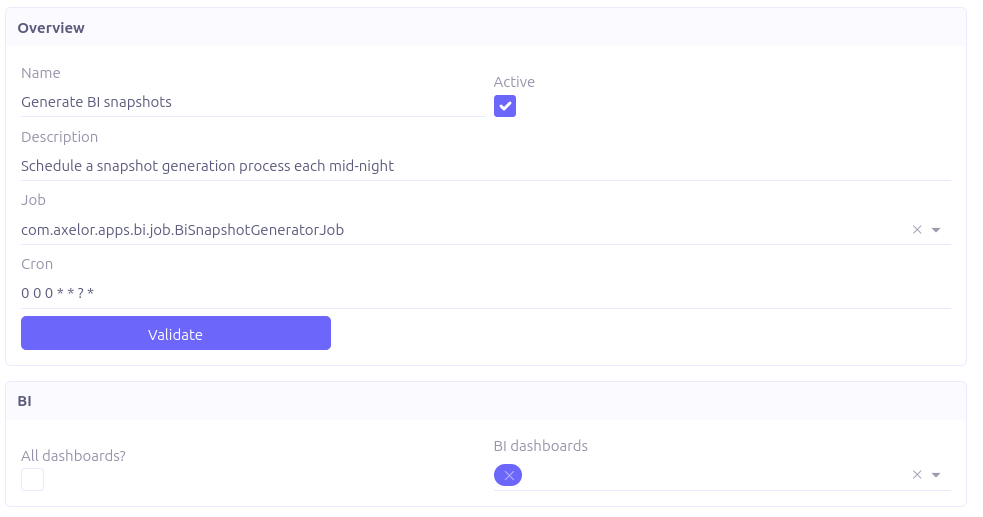
The snapshot scheduler is a job used to automatically create BI snapshots at predetermined configurable times.
-
Job:
com.axelor.apps.bi.jobs.BiSnapshotGeneratorJob -
cron: The time at which the process is scheduled to run.
-
All dashboards?: If checked, the snapshot generation will process all the unarchived dashboards.
-
BI dashboards: The dashboards to process during snapshots generation. Applies only when
All dashboards?is unchecked.