BI Snapshots
-
Snapshot is one of Axelor BI module features that allows taking snapshots of dashboards.
-
A click on
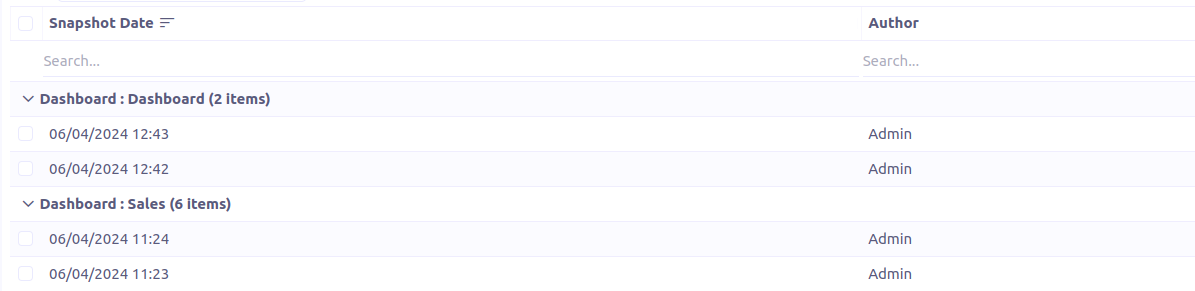
Snapshotsmenu redirects to a grid of snapshots grouped by dashboard.
Form view
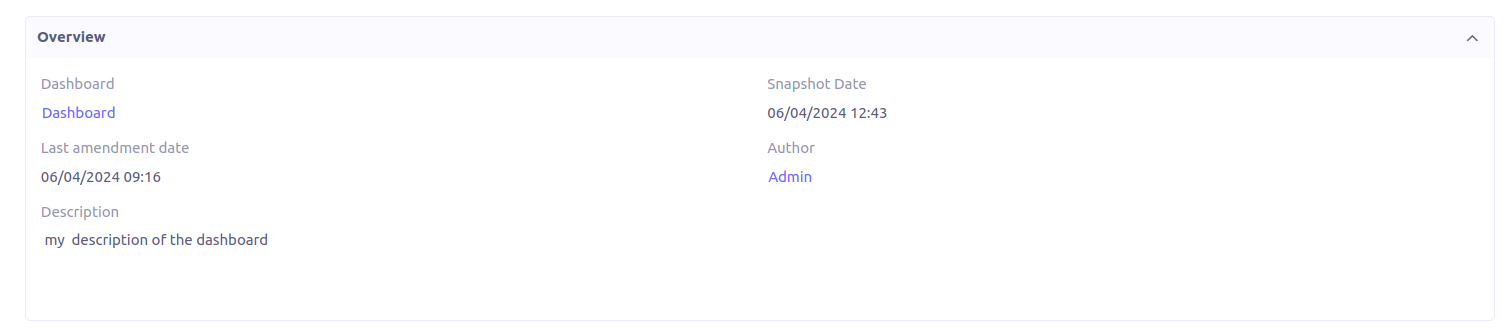
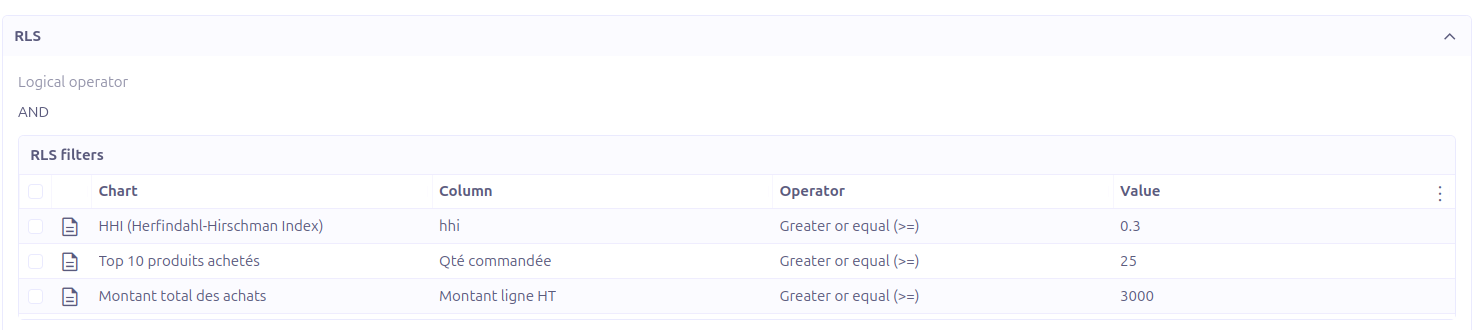
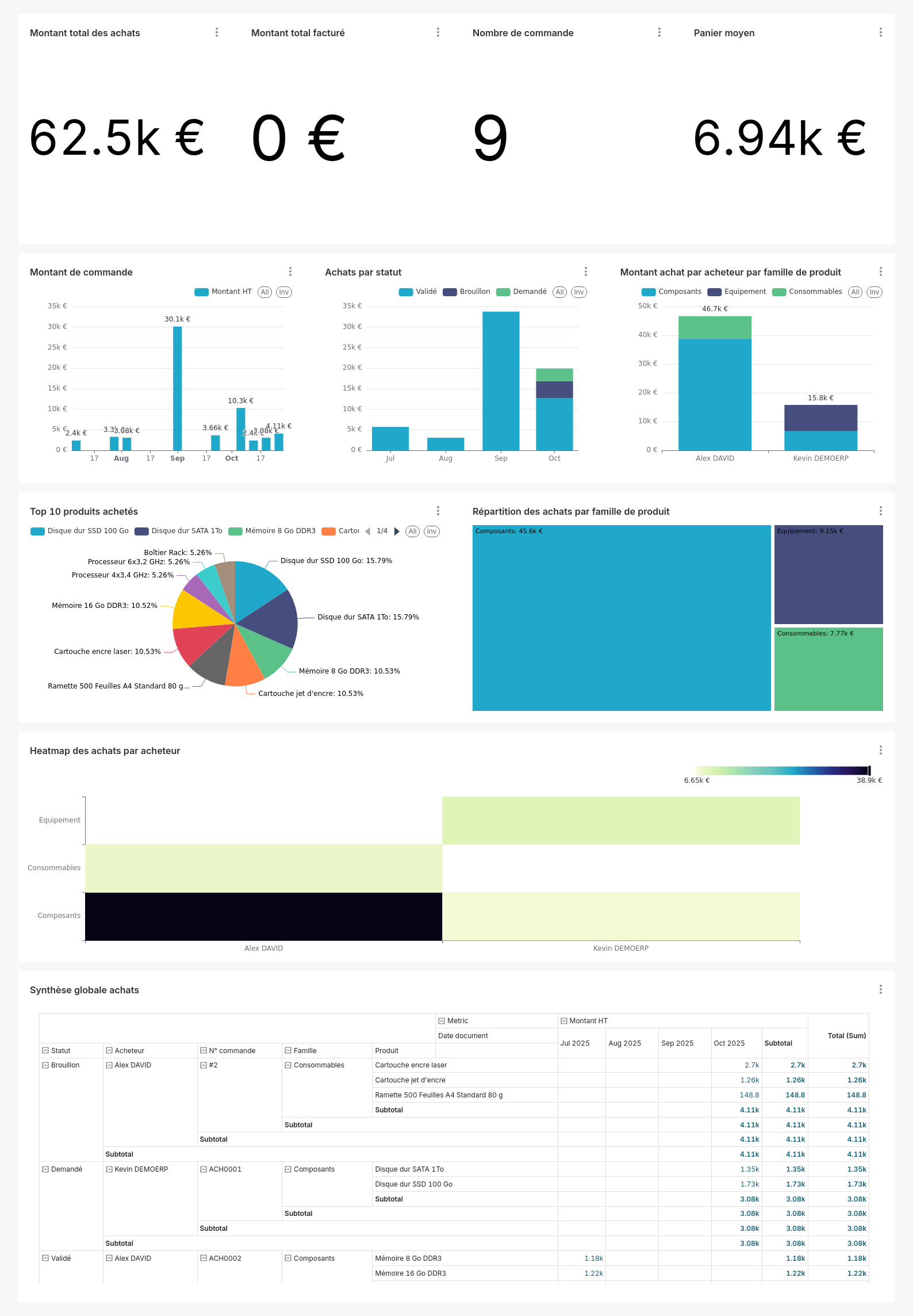
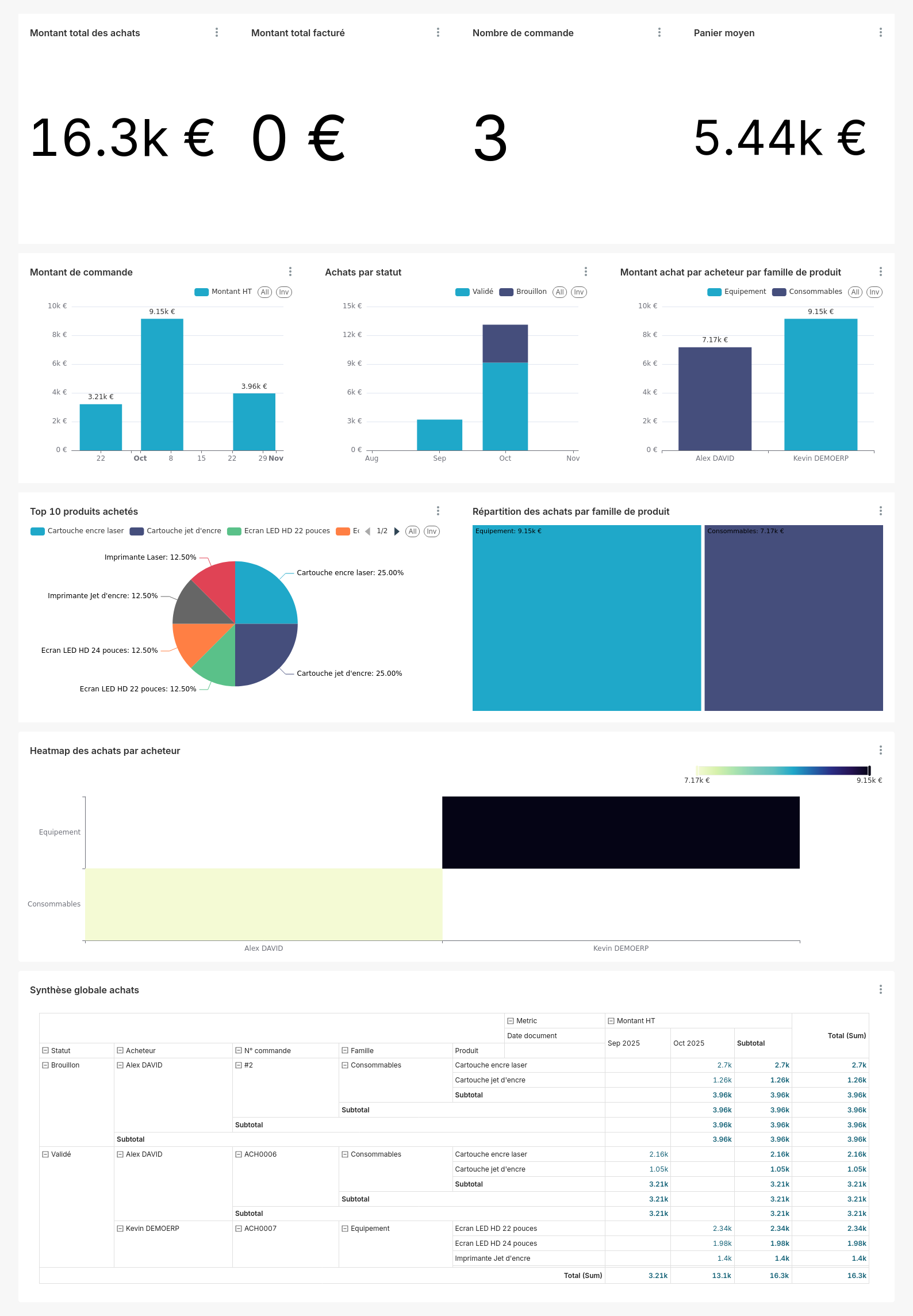
Snapshot form view contains four sections:
-
Overview panel
-
RLS panel
-
Charts panel
-
Comments section
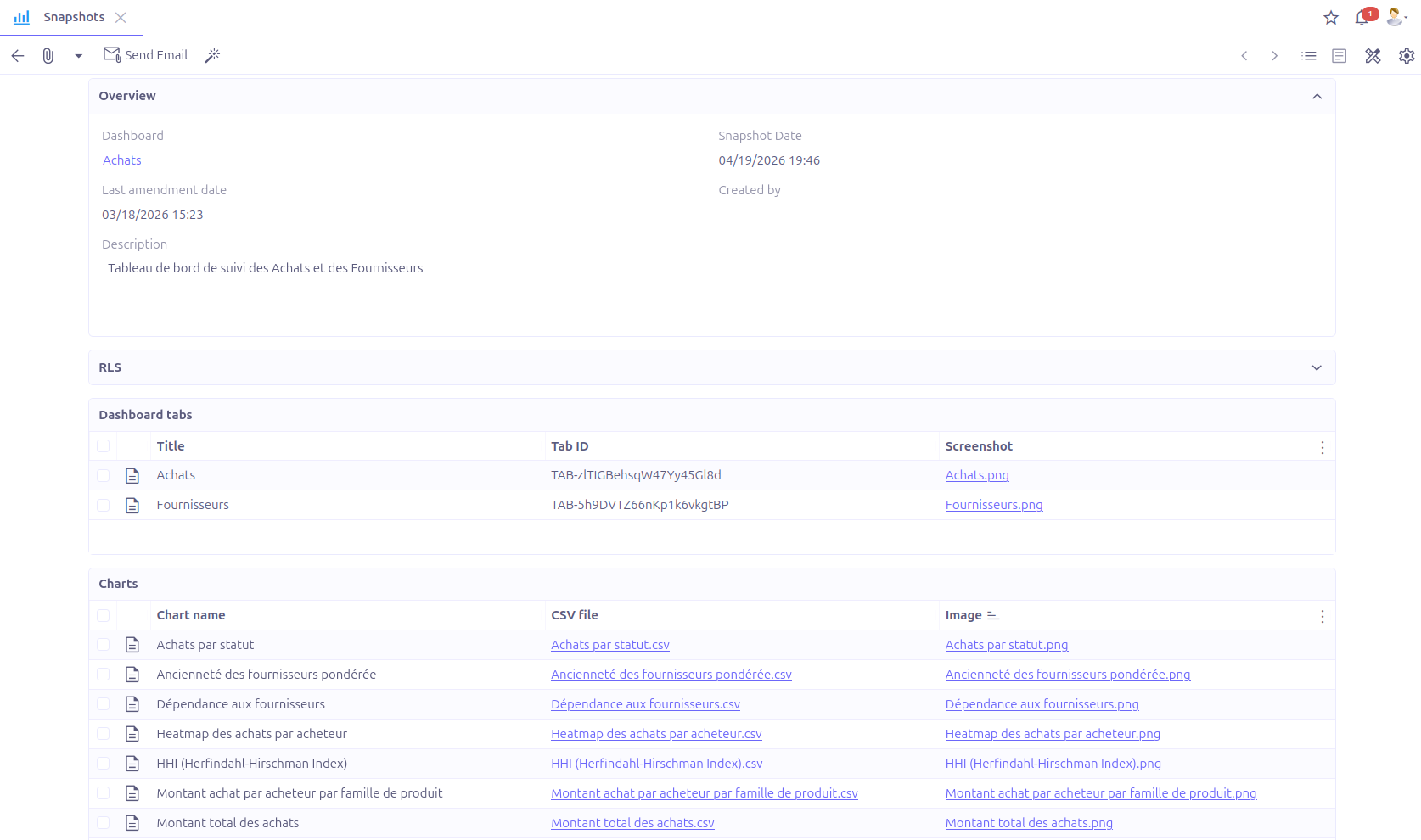
Overview
Contains general information about the snapshot, the dashboard, snapshot date, last amendment date, author and description.



Create snapshots
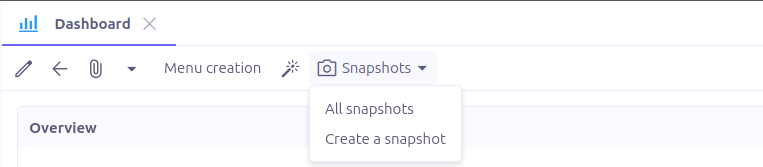
In the toolbar of the Dashboard form view, click on the entry menu Snapshots. It has two subentries:
-
All snapshots: Redirects to a new window with the list of the dashboard snapshots. -
Create a snapshot: Generates a snapshot for the current dashboard and open it in a new tab.
Snapshot generation is an asynchronous process that executes in a separate thread. Users are notified upon completion.
Only users with bi.admin role are allowed to create snapshots
|
Send a snapshot
-
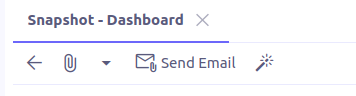
A snapshot can be sent via an email by clicking on
Send Emailfrom the snapshot form view. -
A window lets you select the email template to use for the email generation.
-
All chart images and CSV files will be attached to the email.
Snapshot scheduler
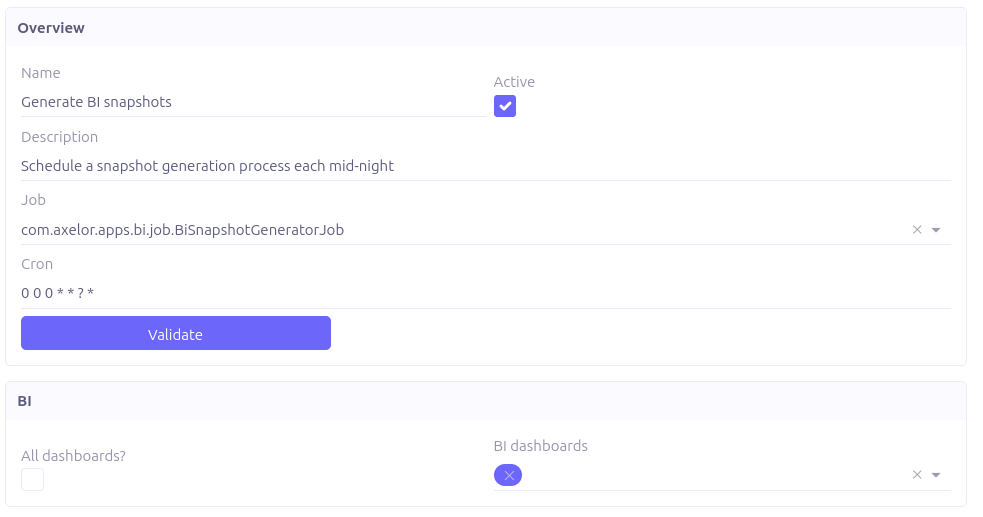
The snapshot scheduler is a job used to automatically create BI snapshots at predetermined configurable times.
-
Job:
com.axelor.apps.bi.jobs.BiSnapshotGeneratorJob -
cron: The time at which the process is scheduled to run.
-
All dashboards?: If checked, the snapshot generation will process all the unarchived dashboards.
-
BI dashboards: The dashboards to process during snapshot generation. Applies only when
All dashboards?is unchecked.