Link Script
Introduction
A Link Script is a reusable, named Groovy script that can be chained to other Link Scripts to build a directed execution graph. Each script declares its own body and a set of arcs that connect it to the scripts it depends on (inputs) and to the scripts it feeds (outputs). At run time the engine resolves the graph, evaluates every reachable script in sequence, and injects the result of each step into the context of the next.
Link Scripts are managed from the Link Script menu, located under the Studio root menu.
Creating a Link Script
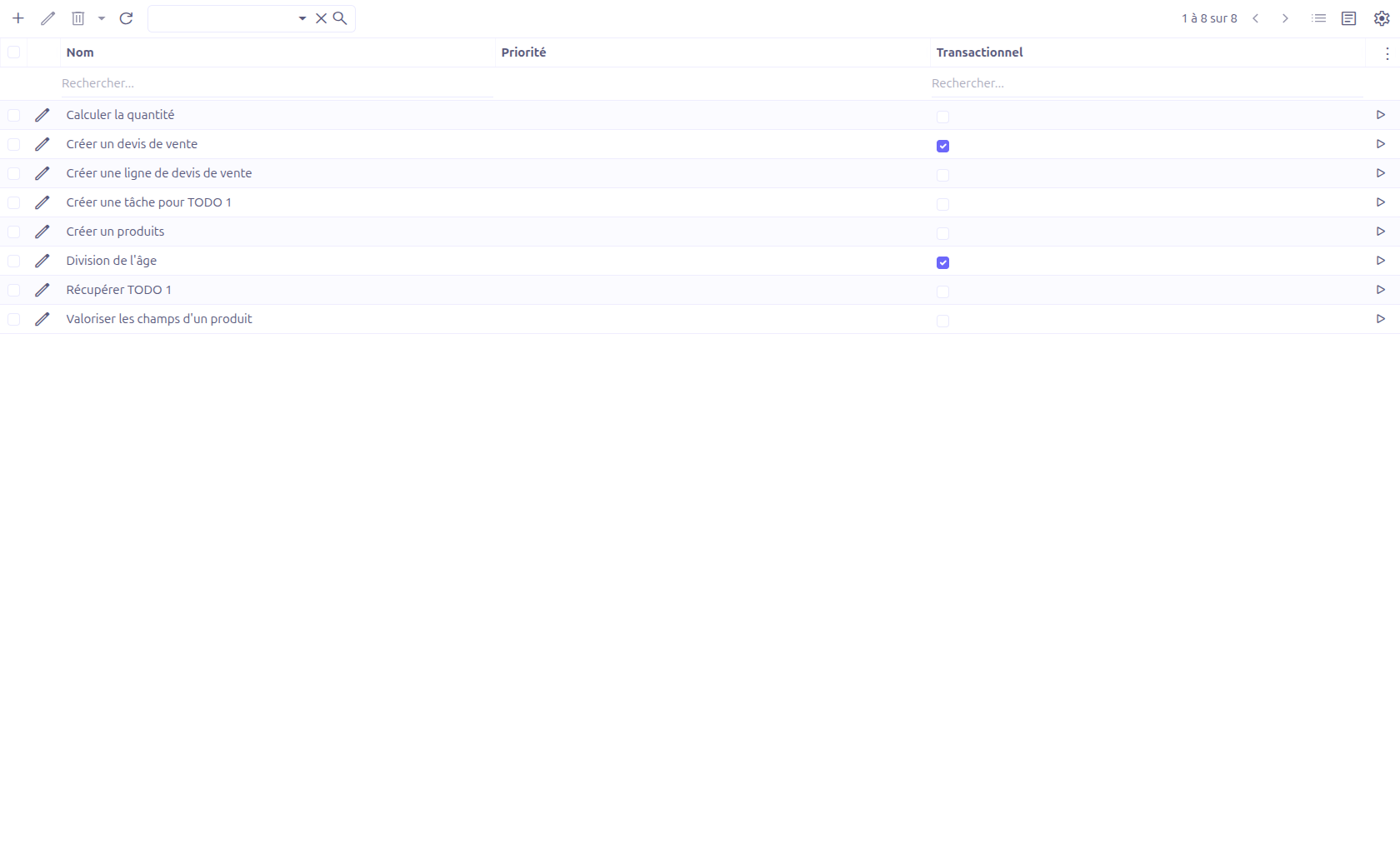
From the Link Script menu, the grid lists every defined script. Use the New button to create one, then fill in the form.
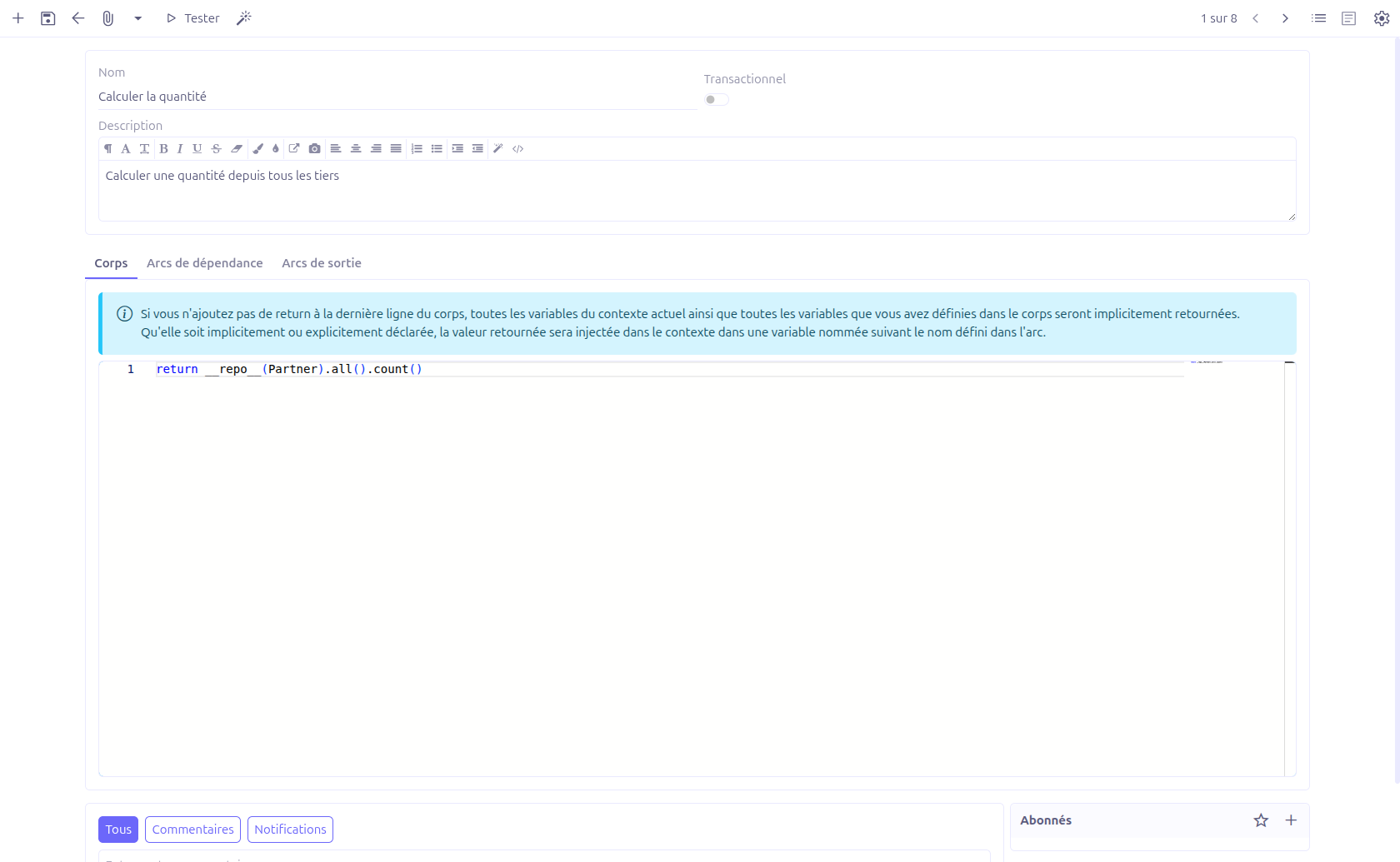
The main panel exposes the following fields:
| Field | Description |
|---|---|
Name |
Unique identifier of the script. It is used to reference the script from arcs, from the |
Transactional |
When enabled, the script is executed inside a database transaction. |
Description |
Free HTML description of the script. |
Body
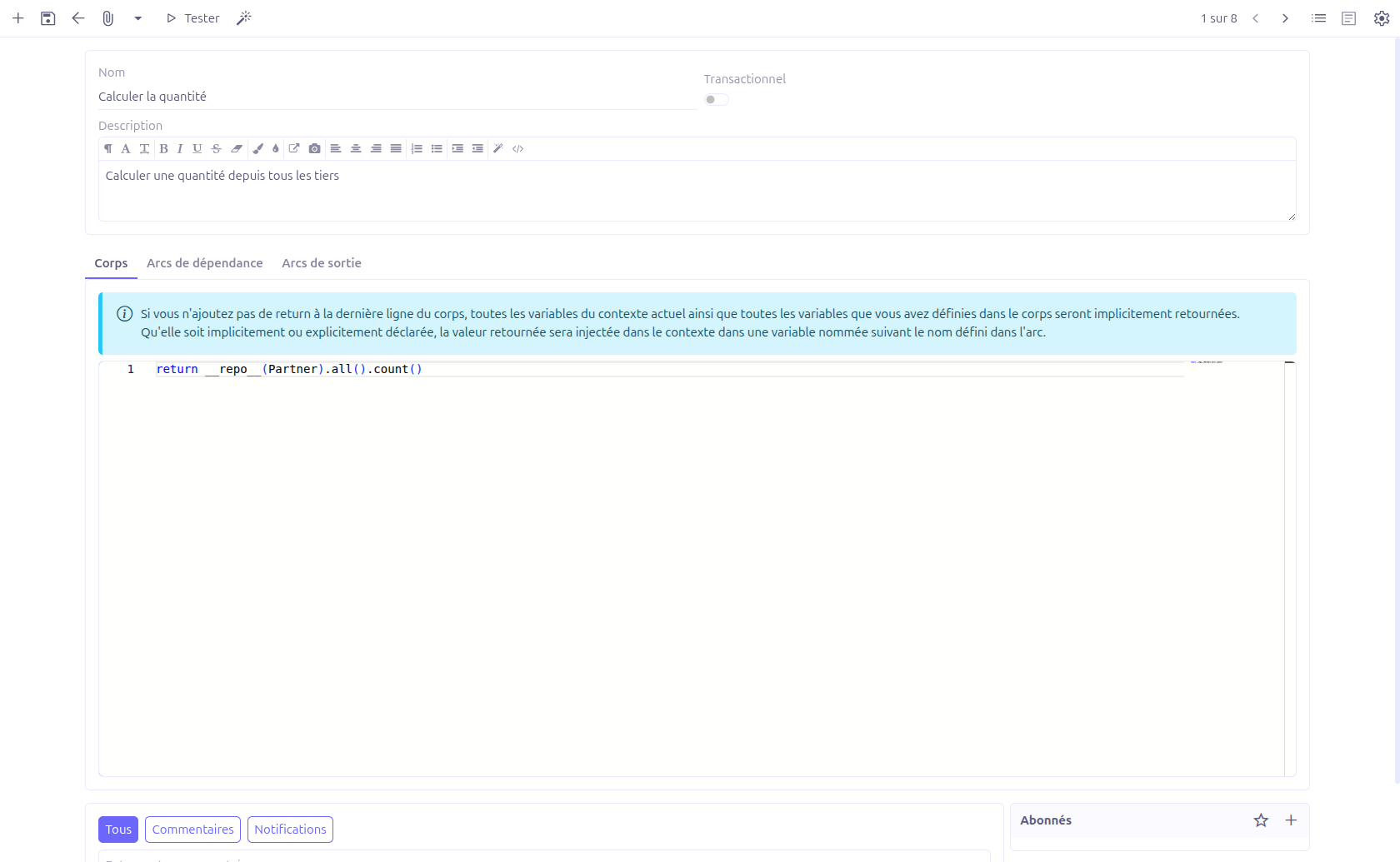
The Body tab holds the Groovy source of the script, edited through a code editor with Java/Groovy syntax highlighting.
If the body does not end with an explicit return, every variable of the current context plus every variable defined in the body is implicitly returned. Whether returned implicitly or explicitly, the value is injected into the calling context under the name defined on the connecting arc.
The following helpers are available inside a body:
| Helper | Description |
|---|---|
|
Concatenates its arguments into a single space-separated string. |
|
Returns a managed instance of the given service class (equivalent to |
|
Runs another Link Script by name with the provided argument map and returns its final result. |
The map of results produced by the dependency arcs is exposed in the body under the variables key.
Arcs
A Link Script is connected to other scripts through arcs. There are two relationship panels on the form:
-
Dependency Arcs — scripts that must run before this one. Their results are injected into the context before the body is evaluated.
-
Output Arcs — scripts that run after this one, receiving this script’s result as input.

Each arc exposes the following fields:
| Field | Description |
|---|---|
Name |
Name of the variable under which the target script’s result is injected into the context. Must match |
Condition |
Optional Groovy condition. The arc is followed only when the condition evaluates to true. An empty condition is always followed. |
To LinkScript |
The target script connected by this arc. A new target can be created inline. |
Arcs are ordered by their Sequence and evaluated in that order.
Testing a Link Script
A Link Script can be run directly from the editor to validate its behaviour.
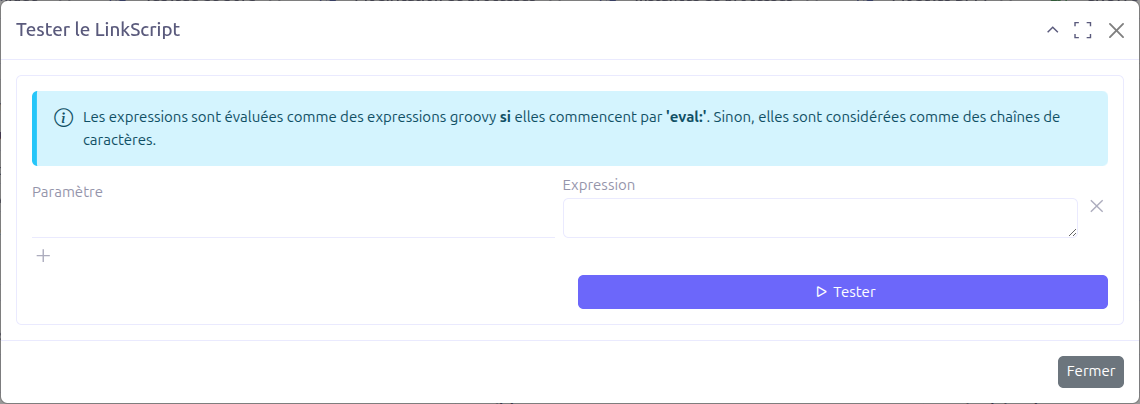
Click the Test button (in the toolbar or the grid). The script is saved, then a Test Link Script dialog opens. The dialog pre-fills one binding line for every dynamic variable detected in the script body.
For each binding you provide:
-
Parameter — the variable name.
-
Expression — the value to bind. Expressions are evaluated as Groovy expressions when they start with
eval:; otherwise the raw string is used as-is.
Click Test to execute. The engine runs the script with the resolved bindings and displays, step by step, the result produced by each script in the graph.
Execution Model
When a Link Script runs, the engine performs the following steps for each script in the graph:
-
Evaluate the dependency arcs in sequence order. For every arc whose condition holds, run the target script and inject its result into the context under the arc name (or
resultwhen blank). All dependency results are also collected in thevariablesmap. -
Evaluate the script body against the resulting context. The produced value is recorded as a step of the run.
-
Evaluate the output arcs in sequence order, passing the body result as input to each connected target.
Recursion is bounded: when the call depth exceeds the configured maximum (property studio.link.script.maximum.recursion, default 100), the engine raises a Too many recursions. error.
Programmatic Use
Link Scripts can be invoked from Java through the LinkScriptService:
LinkScriptResult result =
    Beans.get(LinkScriptService.class).run("myLinkScript", context);
LinkScriptResult exposes the ordered list of executed steps (name and result) and the finalResult of the run.
Technical Details
The Link Script feature is implemented in the com.axelor.studio.ls package:
-
LinkScript/LinkScriptArc— domain models describing the script and its arcs. -
LinkScriptService/LinkScriptServiceImpl— graph resolution and execution engine. -
LinkScriptGroovyEvaluator— Groovy evaluation backend. -
LinkScriptFunctions— built-in helpers (echo,inject,run). -
LinkScriptController— web controller backing the test dialog (setBindings,run).