Configuration & Seeding
Providers, roles, tools, knowledge bases, skills, agents and the governance rules are data, seeded from
files in a module’s src/main/resources/ai/ directory and editable in the UI. The
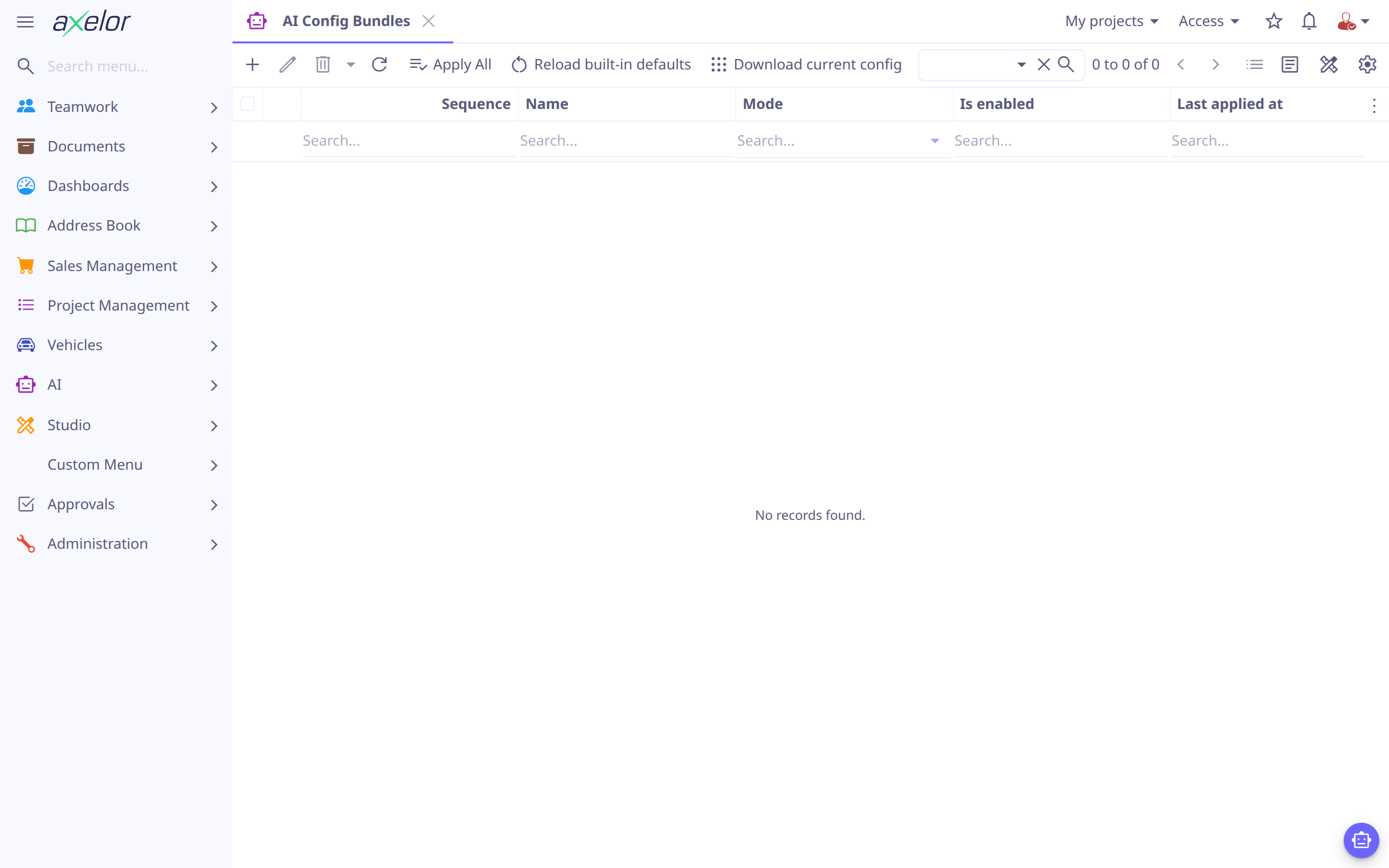
Import / Export screen () reloads the bundled
configuration, downloads the live one, or applies a bundle from another environment.
The ai/ seed layout
Each configuration type lives under its own sub-directory:
src/main/resources/ai/
  providers/*.yaml     (1)
  roles/*.yaml         (2)
  tools/*.yaml         (3)
  knowledge/<code>/KB.yaml (+ content.md)  (4)
  skills/<code>/SKILL.md (+ references/)  (5)
  agents/*.md          (6)
  governance/
    policies/*.yaml      (7)
usage/*.yaml (8)| 1 | providers and their models — Providers & Models |
| 2 | the ai-admin and ai-user roles |
| 3 | tool definitions — Tools |
| 4 | one folder per knowledge base: KB.yaml holds its config and RECORD sources,
the optional content.md provides a TEXT source — Knowledge Bases |
| 5 | skills — Skills |
| 6 | agents — Agents |
| 7 | data policies — see Governance files |
| 8 | usage policies — see Governance files |
A record’s code is its file name — or its folder name, for skills and knowledge bases —
not a code key inside the file; a key that differs is ignored, with a warning in the log.
Governance files are the exception: they are identified by their name. A file that does
not parse is skipped and logged, and the rest still load.
They are loaded in dependency order — providers → roles → tools → knowledge → skills → agents → policies — so that an agent can reference the tools, skills and knowledge bases defined before it, and a policy the agents, models, providers and roles it names.
Seeding, reload and modes
On first start the bundled configuration is applied in seed-once mode: records are
created only if missing, so your edits are never overwritten, and a record you delete
stays deleted — an AiSeed marker remembers what was seeded, so a restart does not bring
it back. The Reload built-in defaults button on the Import / Export screen
re-applies the same bundled files in overwrite mode.
| Reload built-in defaults overwrites the bundled records with their shipped version — discarding local edits to them. Use it after an upgrade or to intentionally reset to defaults. Records you created yourself are left untouched. |
| Mode | Behavior |
|---|---|
|
Create missing records; leave existing ones untouched (startup). |
|
Re-apply files, overwriting existing records (Reload built-in defaults). |
Governance files
Data policies (see Restrictions) ship as files too, so a
site’s rules move between environments with the rest of its configuration. The platform
ships none; a module adds its own. A file names one policy by name:
name: Contact details
description: The AI never reads a contact's email or phone, nor archived contacts
active: true
global: false                  # true: every AI call, and no lists below
agents: []                     # by code
models: [openai/gpt-6.1-sol]     # by code
providers: []                  # by code
restrictions:
  - object: Contact            # a model, a package (com.x.db.*), a custom model, or *
    fields: [email, phone]     # hidden; none listed: the whole model
  - object: Contact
    condition: self.archived = true   # whole model only: the records hidden
A condition may use ? for values the user supplies, listed comma-separated in the
restriction’s conditionParams (user, user.group, …).
Usage policies (see Usage Policies & Logs) go under
governance/usage/, one file each, also named by name:
name: AI users
description: What the ai-user role may ask in the chat panel
active: true
global: false                  # true: every user, and no lists below
roles: [ai-user]               # by name
groups: []                     # by code
users: []                      # by code
tokenQuotaMonthly: 100000
rateLimit: 2
An agent’s own permissions are its file’s permissions list
(Agents), not a governance file.
In overwrite mode a file replaces the policy’s content — a restriction or a field it no longer lists goes — but keeps the record. A file naming an agent, model, provider, role, group, user or field that is none, a key that is none, or a list entry that is not a mapping is refused whole and logged, the policy it would replace left as it was: dropping what does not resolve could leave the AI allowed what it was meant to be kept from.
Updating shipped prompts and skills
A restart does not replace agents or skills already seeded. Before applying updated defaults, export the live configuration and compare local edits with the new bundled version. Use Reload built-in defaults only when replacing all shipped defaults is intended; it also reapplies bundled tools, providers and other configuration. For a selective update, import a bundle containing only the reviewed agents and skills in overwrite mode.
Test an updated skill in a new conversation so already-loaded skill content does not mask the update.
Config bundles
An AiConfigBundle packages a full configuration as a single archive so you can move
it between environments. Download current config writes the live configuration as
ai-config.zip. To import one, create a bundle record on the Import / Export screen,
upload the zip as its dataFile, and click Apply to apply it in its own mode —
or Apply All to apply every enabled bundle, in sequence order.
| Field | Meaning |
|---|---|
|
Identify the bundle. |
|
The bundle archive (zip): the |
|
|
|
Order among bundles. |
|
Whether it is applied. |
|
Audit of the last application (created/updated counts). |
Access & enablement
Two roles ship with the module: ai-admin (manage all AI configuration and view
operations, exempt from every usage limit) and ai-user (use the assistant).
Grant them from the seeded ai/roles/ files or the UI. The module also ships an
AI users usage policy for the ai-user role — 100,000 tokens/month and 2
requests/second by default — see Usage Policies & Logs.
The whole feature is gated by AppFeatures.isAi() — the AI menu and
the chat launcher appear only when the AI feature is enabled for the application
with features.ai = true (see below).
Application configuration
While providers, models and agents are data, a few options live in
axelor-config.properties:
# enable the AI feature (the AI menu and the chat launcher)
features.ai = true

# log provider requests/responses (development aid — logs contain
# prompts and data sent to the provider; keep off in production)
ai.logging.requests = false
ai.logging.responses = false

# every tool call, with the input the model sent (development aid — same
# caveat: the input carries whatever data the model was working with)
logging.level.com.axelor.ai.tool.AiToolLogger = DEBUG

# how long (seconds) an HTTP tool waits for its endpoint to answer
ai.tool.http.timeout = 30

# vector store backing knowledge bases;
# currently supported type: pgvector (PostgreSQL with the pgvector extension)
ai.vector-store.type = pgvector
ai.vector-store.url = jdbc:postgresql://localhost:5432/vectors
ai.vector-store.user =
ai.vector-store.password =

# how long (seconds) a disconnected chat run is kept replayable, so a client
# that reconnects (page reload, second tab) can resume the live stream
ai.chat.stream.timeout = 300

# hosts an MCP server may be configured against (comma-separated).
# empty — the default — refuses every outbound MCP connection
ai.mcp.allowed-hosts =

# how long (seconds) a validated MCP server connection is trusted before its
# host is re-resolved and re-validated
ai.mcp.pin-ttl-seconds = 300| Without a configured vector store, knowledge base features are disabled gracefully — everything else keeps working. |
ai.mcp.allowed-hosts gates MCP servers only. Leave it
empty unless you intend agents to reach remote tool servers.
|
Reading what a tool refused
A tool refuses a call it cannot carry out — a field name the model does not have, a value outside a selection, a parameter the tool does not take — and the refusal goes back to the model, which usually corrects itself and carries on. Each one is logged as a warning naming the tool, the agent and what it said, so a pattern can be found without reading a transcript. This matters most for an agent called from a workflow, which keeps no transcript at all.
Raising com.axelor.ai.tool.AiToolLogger to DEBUG adds the calls that
succeeded and the input each call was made with, which is what diagnosing one
wrong call needs. Leave it at the default in production: those inputs carry
whatever data the model was working with.