Studio
Studio is the Axelor Open Platform low-code builder. You design custom models, views, actions, menus, selections, queries, dashboards and workflows visually, group them in a versioned project, and deploy them into the running application — no module to write, no restart. What you deploy is exactly the same metadata a module would ship, so anything built in Studio behaves like regular application code.
When to use
Reach for Studio when the customization is configuration-shaped: new business objects, screens, navigation, reports and process automation, iterated quickly on a running instance.
| Alternative | Difference |
|---|---|
Writing a module |
Code — reviewable, testable, and required when you need Java business logic or integrations. Studio covers the declarative layer with a much faster loop, and can graduate: compiled entities and WAR export bridge into module territory. |
Custom fields alone |
Fine for adding a few fields to an existing model by hand. Studio does the same with a designer — plus whole models, views and logic — and keeps everything versioned in a project. |
The AI assistant |
Not an alternative — a faster way to drive Studio. Describe what you want in chat; the assistant creates the same resources and the designers remain your review surface. |
Concepts
Four words carry the whole system:
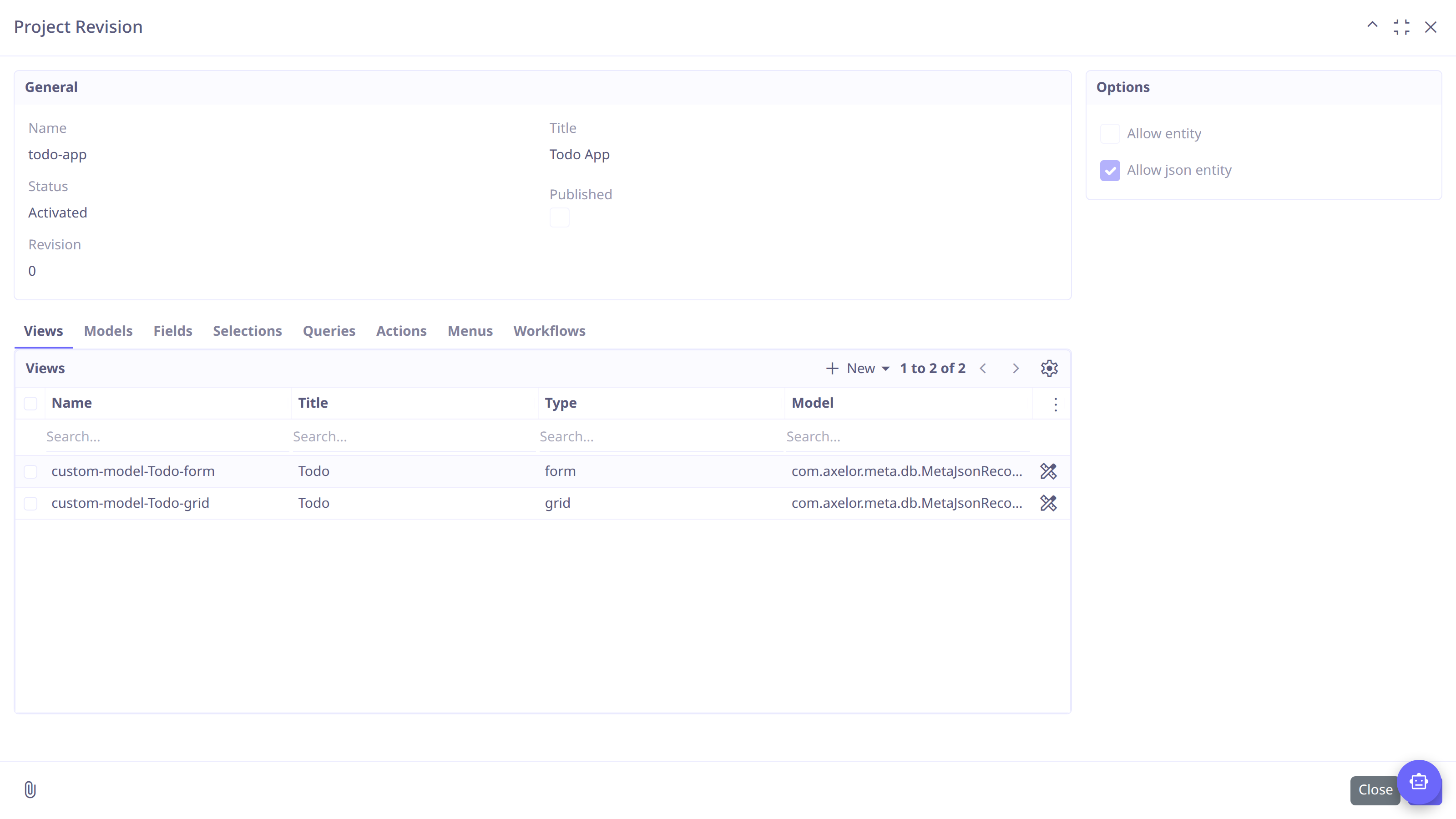
- Project
-
The container of one app’s customizations, with module-like coordinates (name, package group, title).
- Resource
-
One unit of customization — a model, a view, an action… Each opens in a visual designer.
- Revision
-
A
major.minor.patchversion of the project that holds the resources. Draft revisions are editable; published ones are locked snapshots. - Deploy
-
Activating a revision makes its resources live; deactivating withdraws them. Nothing you edit is visible in the application until activated.
Your first app in five steps
The pages of this chapter walk through building a small Todo app:
-
Create a project and open its revision — Projects & Resources.
-
Create the
Todomodel and its status selection — Models, Selections. -
Adjust the generated form and grid — Views.
-
Activate the revision and try it — Lifecycle.
| You can also just describe the app in the chat and review what the assistant builds — see Building with the AI Assistant. |
What you can build
| Resource | Documentation |
|---|---|
Custom models, entities, enums, custom fields |
|
Views — form, grid, cards, kanban, calendar, tree, dashboard, custom |
|
Charts and data dashboards |
|
Selections |
|
Actions |
|
Menus |
|
Saved queries |
|
Workflows |
|
Anything above, conversationally |
Supporting machinery: versions, deployment and export and build jobs & git repositories.