Value Mapper
Introduction
The Value Mapper is a visual tool for creating field-to-field data mappings between models. It uses a React-based drag-and-drop builder to define how data flows from a source model to a target model, and generates a Groovy script that performs the mapping.
Value Mappers are accessed from Application Builder > BPM components > Mappers.
Value Mapper List
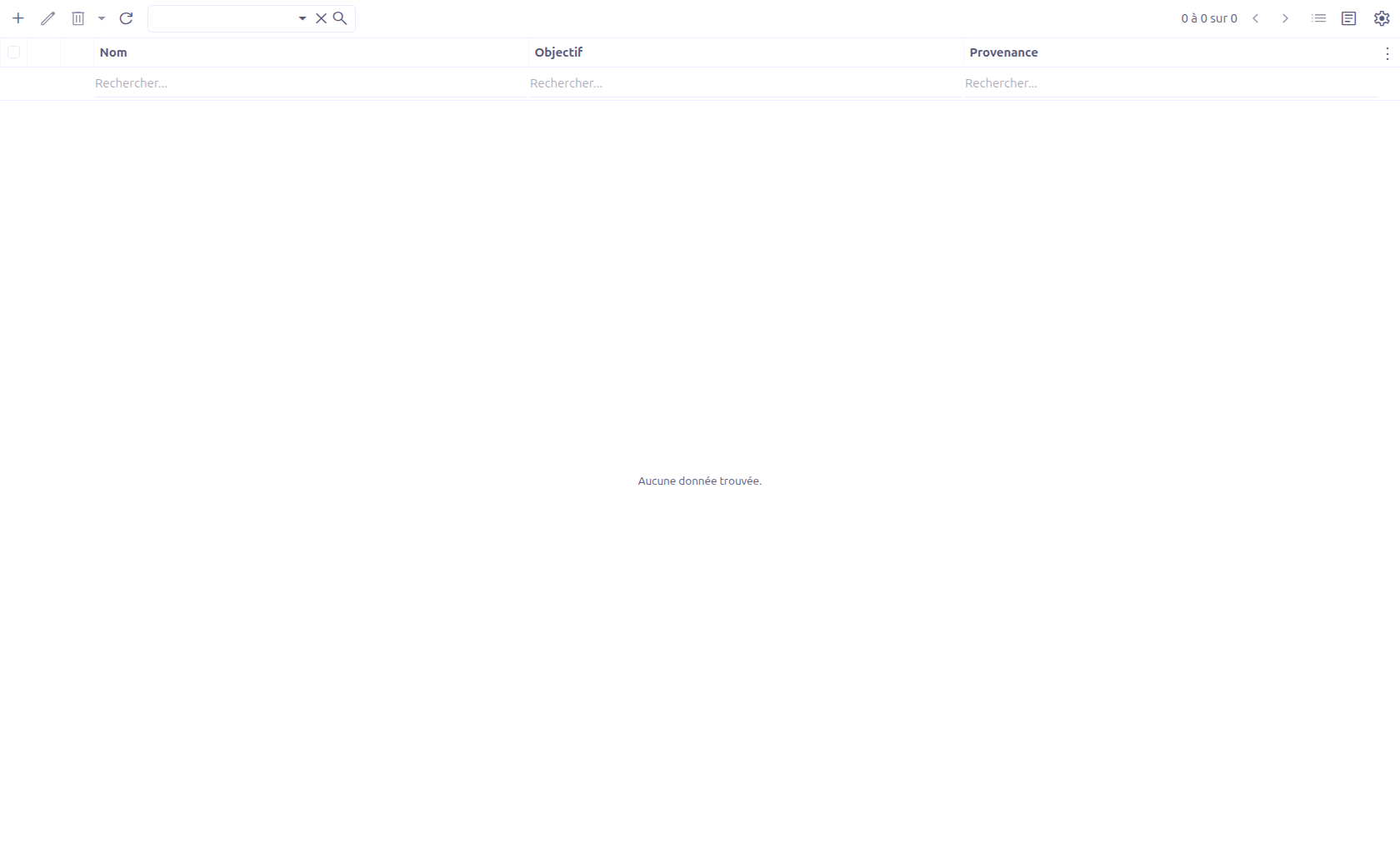
The grid view displays all value mappers with an Open mapper button (pencil icon) for quick access to the visual builder.
Creating a Value Mapper
Click New to create a Value Mapper, then save the record to enable the visual builder.
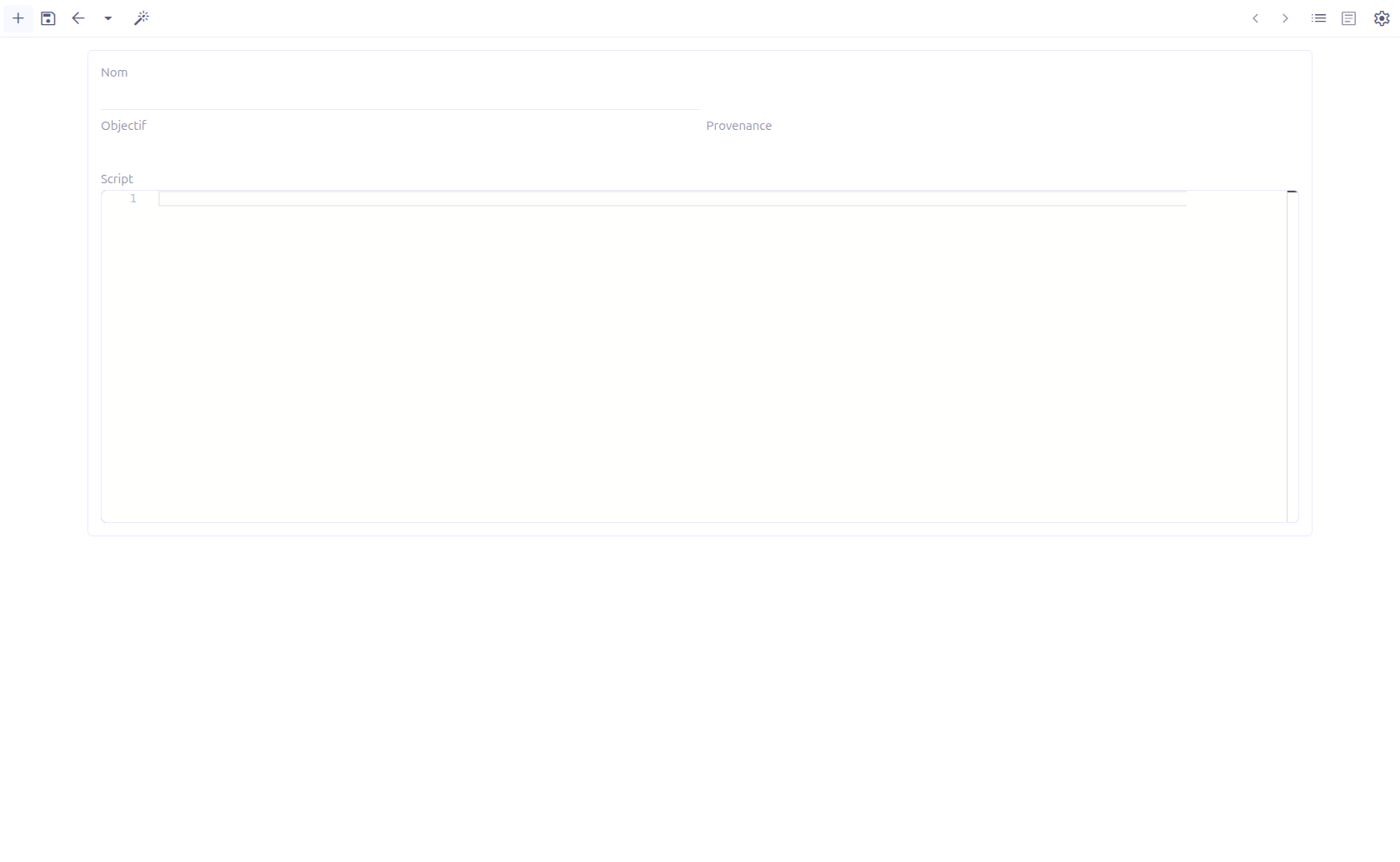
Form Fields
| Field | Required | Description |
|---|---|---|
Name (1) |
No |
Unique name for the value mapper. |
Open mapper (2) |
— |
Opens the React visual builder in a panel. Only available after the record is saved (has an ID). |
Target (3) |
— |
The target model name (read-only, set by the builder). |
Source (4) |
— |
The source model name (read-only, set by the builder). |
Script (5) |
— |
The generated Groovy script (CodeEditor, read-only). This is the executable output of the visual mapper. |
Script meta (6) |
— |
JSON metadata used by the React builder to reconstruct the visual mapping (hidden field). |
Visual Builder
The visual builder opens in an embedded panel and provides a drag-and-drop interface for defining field mappings.
Builder Workflow
-
Select target model: Choose the model that will receive the mapped data
-
Select source model: Choose the model from which data will be read
-
Map fields: Drag fields from the source model to the corresponding fields in the target model
-
Configure values: For each mapped field, define the source value (field reference, expression, or static value)
-
Add conditions: Optionally add conditions to individual field mappings
-
Save: The builder generates a Groovy script and stores it in the
scriptfield
The builder supports multiple value source types:
-
Field reference: Map directly from a source model field
-
Expression: Use a Groovy expression to compute the value
-
Static value: Set a fixed value
|
Use the Value Mapper for repeatable data transformation patterns. For example, create a mapper that converts a sales quotation into a confirmed order, mapping all relevant fields. |
Executing a Value Mapper
Wizard Execution
Value Mappers can be executed against a specific record through a wizard popup.
The wizard provides:
| Field | Description |
|---|---|
Value mapper |
Select the Value Mapper to execute (M2O: ValueMapper). |
Execute |
Runs the mapper’s generated Groovy script against the specified record. |
The execution context includes hidden fields for modelName and recordId, which identify the record to apply the mapping to.
| Executing a value mapper directly modifies database records. Test in a development environment before running against production data. |
Groovy Execution Bindings
When a Value Mapper script is executed, the following variables are available in the Groovy script context:
| Binding | Description |
|---|---|
|
|
|
The target record wrapped in |
|
The ID of the target record. |
|
Current local time ( |
|
Current date and time with timezone ( |
|
The current user executing the mapper (or admin if no user context). |
|
The target record wrapped in |
|
The raw target record (not wrapped in FullContext). |
|
The parent context record wrapped in |
|
The target record’s ID. |
|
Logger instance ( |
For JSON models (MetaJsonRecord), the variable name is derived from the JSON model name instead of the Java class name.
|
Result Handling
After the Groovy script executes, the result is processed as follows:
-
If the script creates a new record (detected when the script starts with
def rec = ctx.create(), the created record is automatically opened in a form view for the user to review. -
Otherwise, the execution completes silently and the current view is refreshed.
BPM Integration
Value Mappers can be referenced from BPM processes through the mapper builder dialog. When used in a BPM context, the mapper provides:
-
Source model selection (from process context)
-
Target model selection
-
Field mapping with drag-and-drop
-
Integration with process variables
Technical Details
ValueMapper Entity
| Field | Type | Description |
|---|---|---|
|
String (unique) |
Mapper name |
|
Large String |
Generated Groovy script |
|
Large String |
JSON metadata for the React builder |
|
String |
Target model name |
|
String |
Source model name |
The React builder communicates with the server through URL parameters:
mapper/?id={{_id}}&model=com.axelor.studio.db.ValueMapper&resultField=script&resultMetaField=scriptMeta&targetField=targetField&sourceField=sourceFieldBackend services:
-
ValueMapperController.execute()— Executes the generated script on a specified record -
ValueMapperService— Core mapper execution logic
Related Pages
-
Mapper Builder — The visual builder component used within BPM
-
Builders Introduction — Overview of all builder tools