App Loaders
Overview
App Loaders provide import and export capabilities for Studio Apps. They allow you to transfer complete app packages — including their component definitions and optionally their data — between different Axelor environments (e.g., from development to production).
App Loaders are managed from App > Configuration > App Loaders.
|
The App Loaders menu entry is only visible when |
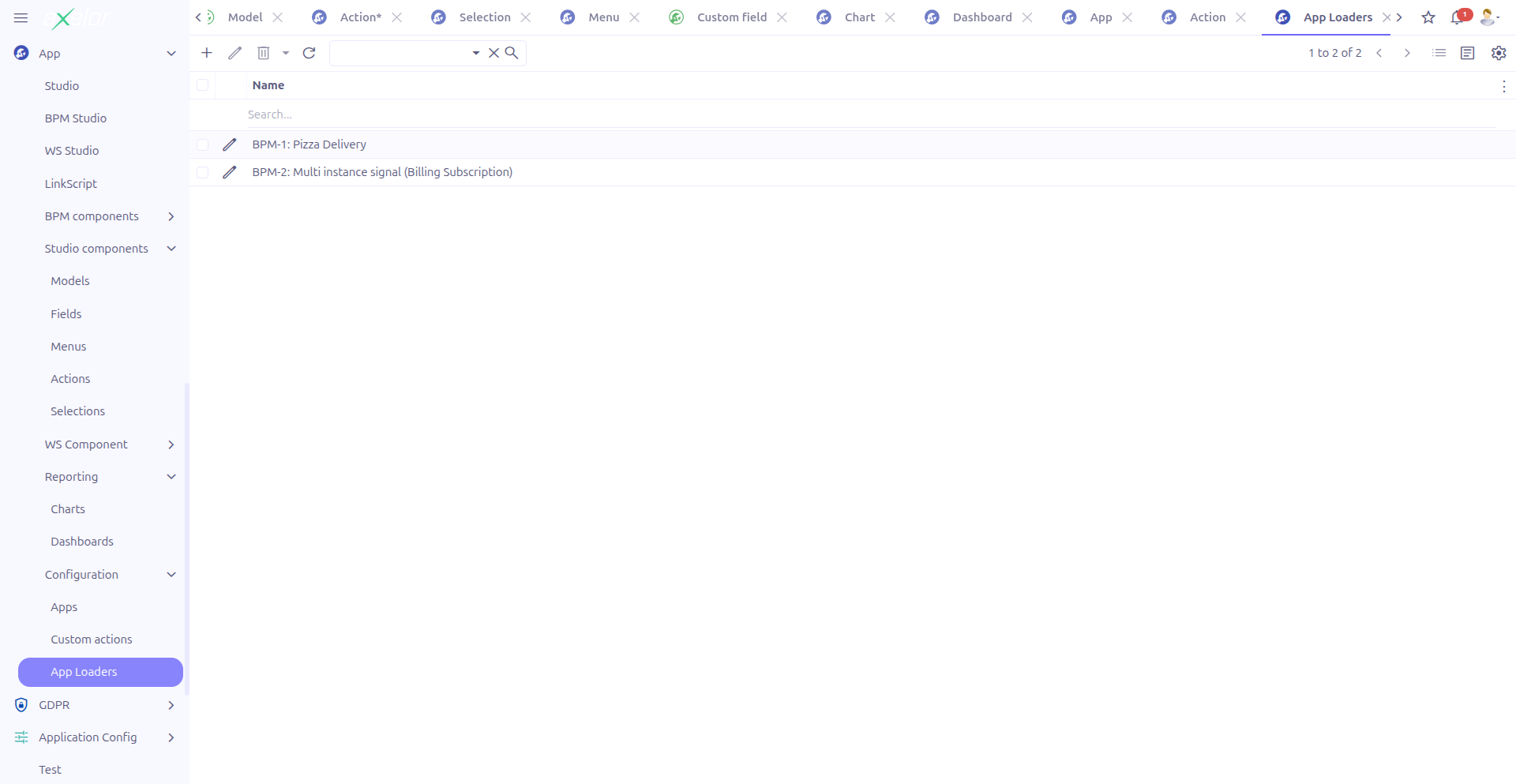
The grid view opens with a detail view layout (details-view=true), showing both the list and the form side by side.
App Loader Form
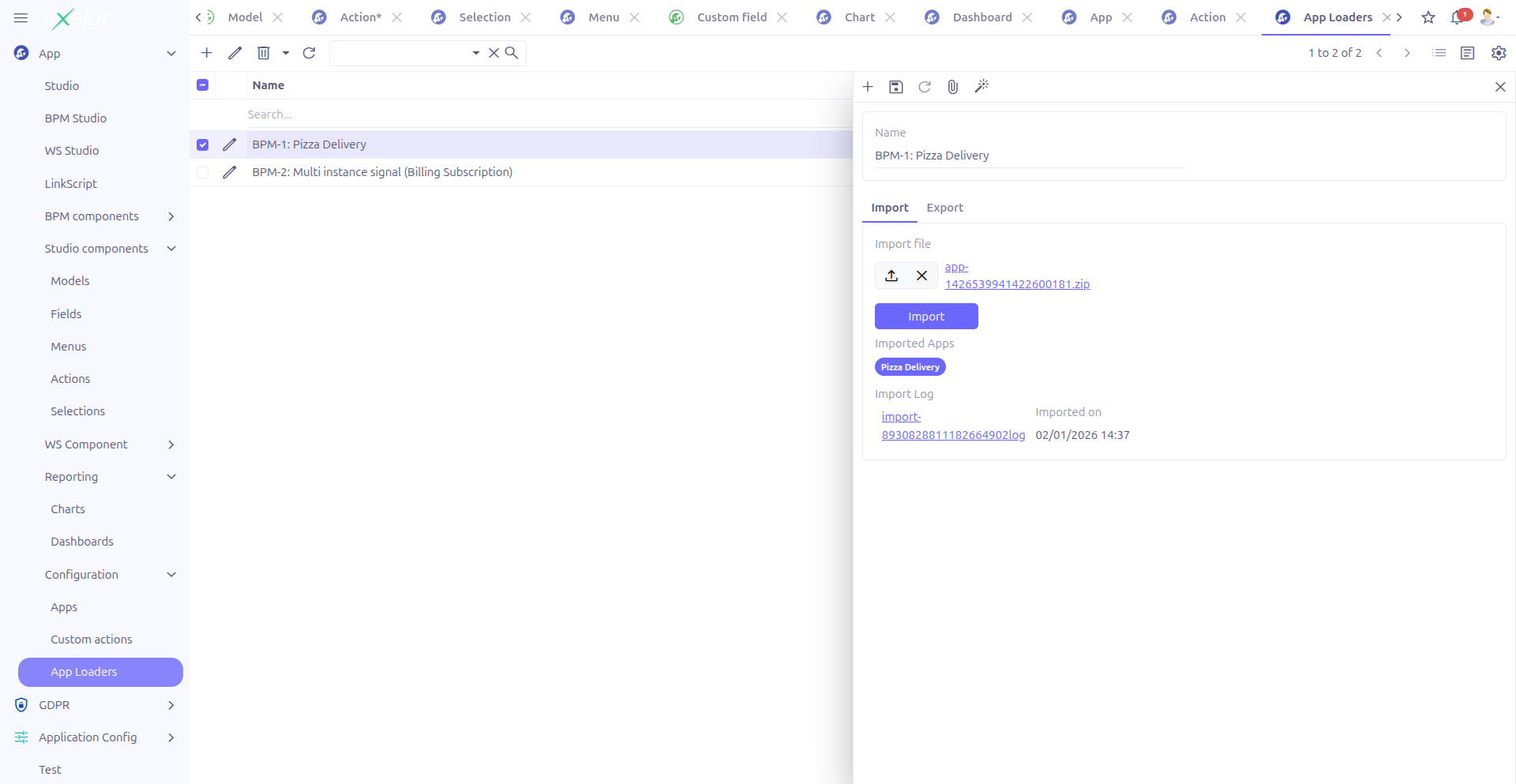
Each App Loader record has two tabs: Import and Export.
Import Tab
The import tab allows you to upload and import Studio Apps from a file.
| Field | Type | Description |
|---|---|---|
Import file |
File (BinaryLink) |
Upload the ZIP file to import. |
Imported apps |
M2M: StudioApp (readonly) |
After import, displays the list of Studio Apps that were imported. |
Import log |
File (BinaryLink, readonly) |
If any issues occurred during import, the log file is attached here. |
Imported on |
DateTime (readonly) |
Timestamp of the last import operation. |
To import apps:
-
Click New to create a new App Loader (or select an existing one)
-
Upload the ZIP file in the Import file field
-
Click Import
-
Review the Imported apps list and check the Import log for any issues
Export Tab
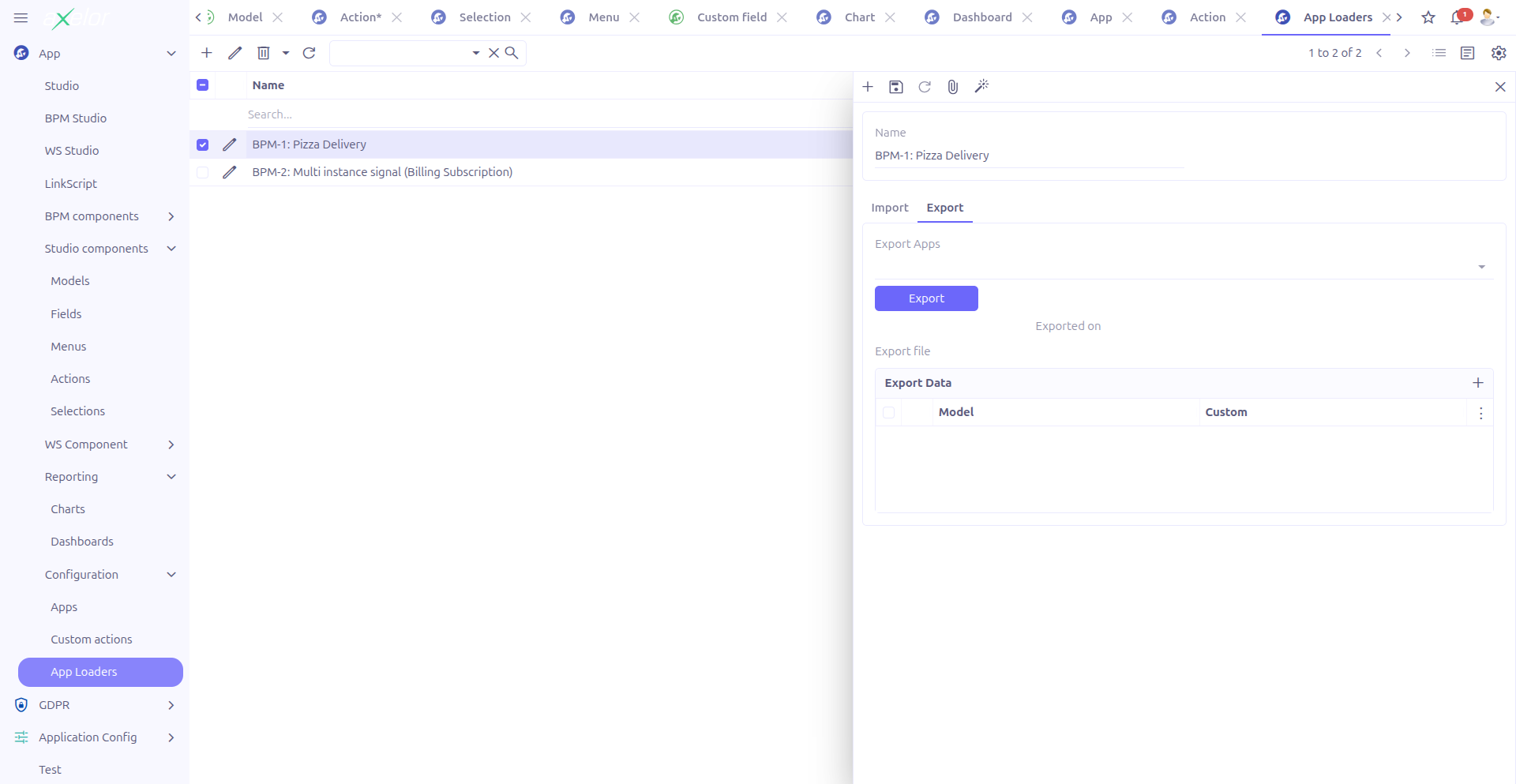
The export tab allows you to package selected Studio Apps into a downloadable file.
| Field | Type | Description |
|---|---|---|
Export apps |
M2M: StudioApp (TagSelect) |
Select the Studio Apps to include in the export. |
Export file |
File (BinaryLink, readonly) |
After export, the generated ZIP file is attached here. |
Exported on |
DateTime (readonly) |
Timestamp of the last export operation. |
Export data |
O2M: AppDataLoader |
Configure data export rules for each model. See Data Export Configuration (AppDataLoader) below. |
To export apps:
-
Select the Studio Apps to export in the Export apps field
-
Optionally configure data export rules (see below)
-
Click Export
-
Download the generated file from the Export file field
Data Export Configuration (AppDataLoader)
The Export data panel allows you to define which model data should be included in the export. Each AppDataLoader entry specifies a model and the fields and search criteria for its data.
| Field | Type | Description |
|---|---|---|
Is JSON |
Boolean |
Toggle between custom (JSON) models and standard models. |
Model (standard) |
M2O: MetaModel |
The standard model whose data should be exported. Shown when Is JSON is unchecked. |
Model (JSON) |
M2O: MetaJsonModel |
The JSON model whose data should be exported. Shown when Is JSON is checked. |
Fields (standard) |
M2M: MetaField |
The fields to include in the export for standard models. |
Fields (JSON) |
M2M: MetaJsonField |
The fields to include in the export for JSON models. |
Search fields (standard) |
M2M: MetaField |
Fields used to identify existing records during import (match criteria). |
Search fields (JSON) |
M2M: MetaJsonField |
Fields used to identify existing records during import (match criteria) for JSON models. |
Filter query |
Large String |
A JPQL-like filter expression to restrict which records are exported. |
Sequence |
Integer |
Order in which data loaders are processed during export. |
|
Use Search fields to define how the import process identifies whether a record already exists. For example, if you set |
Example: Exporting Product Data
To include product data in your app export:
-
Add a new entry in the Export data panel
-
Set Is JSON to unchecked (standard model)
-
Select the
Productmodel -
Select the fields to export:
code,name,salePrice,purchasePrice -
Set Search fields to
code(used for matching during import) -
Optionally add a filter:
self.productTypeSelect = 'storable'to export only storable products -
Set Sequence to control processing order
Technical Details
AppLoader Entity
| Field | Type | Description |
|---|---|---|
|
String |
Loader name |
|
M2O: MetaFile |
Exported ZIP file |
|
M2O: MetaFile |
Uploaded import file |
|
M2O: MetaFile |
Import log file |
|
M2M: StudioApp |
Apps selected for export |
|
M2M: StudioApp |
Apps that were imported |
|
DateTime |
Export timestamp |
|
DateTime |
Import timestamp |
|
O2M: AppDataLoader (orderBy: sequence) |
Data export configuration entries |
AppDataLoader Entity
| Field | Type | Description |
|---|---|---|
|
M2O: AppLoader |
Parent App Loader |
|
Boolean |
JSON model toggle |
|
M2O: MetaModel |
Standard model reference |
|
M2O: MetaJsonModel |
JSON model reference |
|
M2M: MetaField |
Fields to export (standard) |
|
M2M: MetaJsonField |
Fields to export (JSON) |
|
M2M: MetaField |
Search/match fields (standard) |
|
M2M: MetaJsonField |
Search/match fields (JSON) |
|
Large String |
JPQL filter expression |
|
Integer |
Processing order |
|
String |
Computed model name |
Key backend services:
-
AppLoaderController.exportApps()— Generates the export ZIP file -
AppLoaderController.importApps()— Processes the import file and loads apps
Related Pages
-
Studio Apps — Create and manage the apps being exported/imported
-
Apps Management — Central app lifecycle management
-
Configuration — Enable the Studio App feature
-
Studio Overview — Complete feature overview