Token simulation
Token simulation
In the Design mode of the Modeler, token simulation provides a way to explore BPMN execution semantics by allowing you to play, pause, and step through processes, mimicking the behavior of a BPMN 2.0 compliant engine.
| Token simulation serves as an educational tool for BPMN, rather than a complete BPMN engine. |
Turn on/off
First, open your BPMN diagram in Modeler and switch to Design mode.
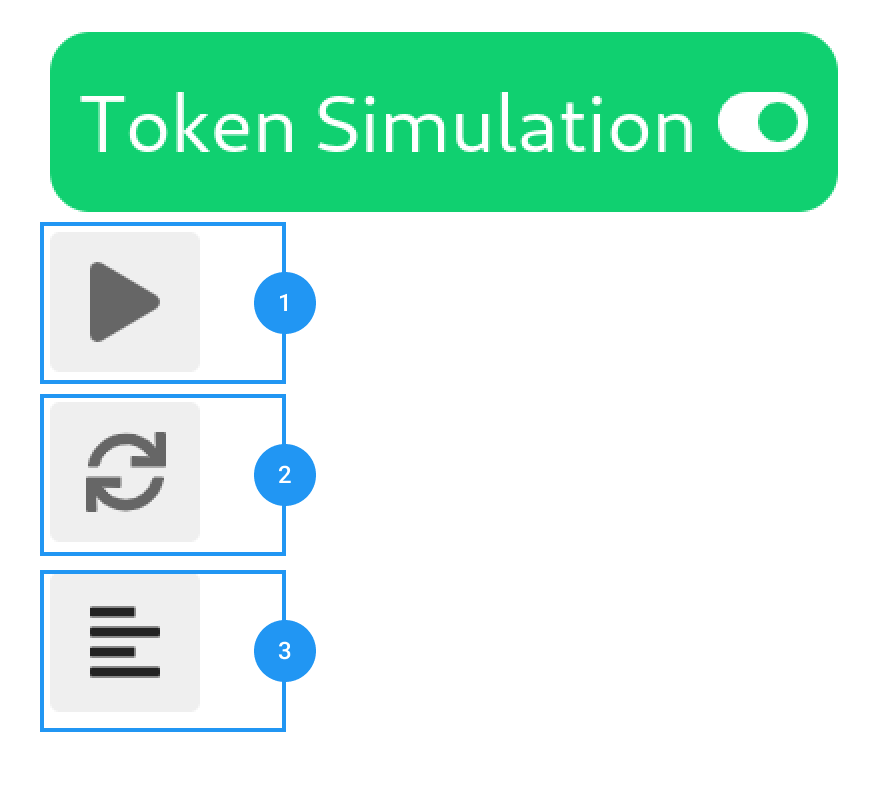
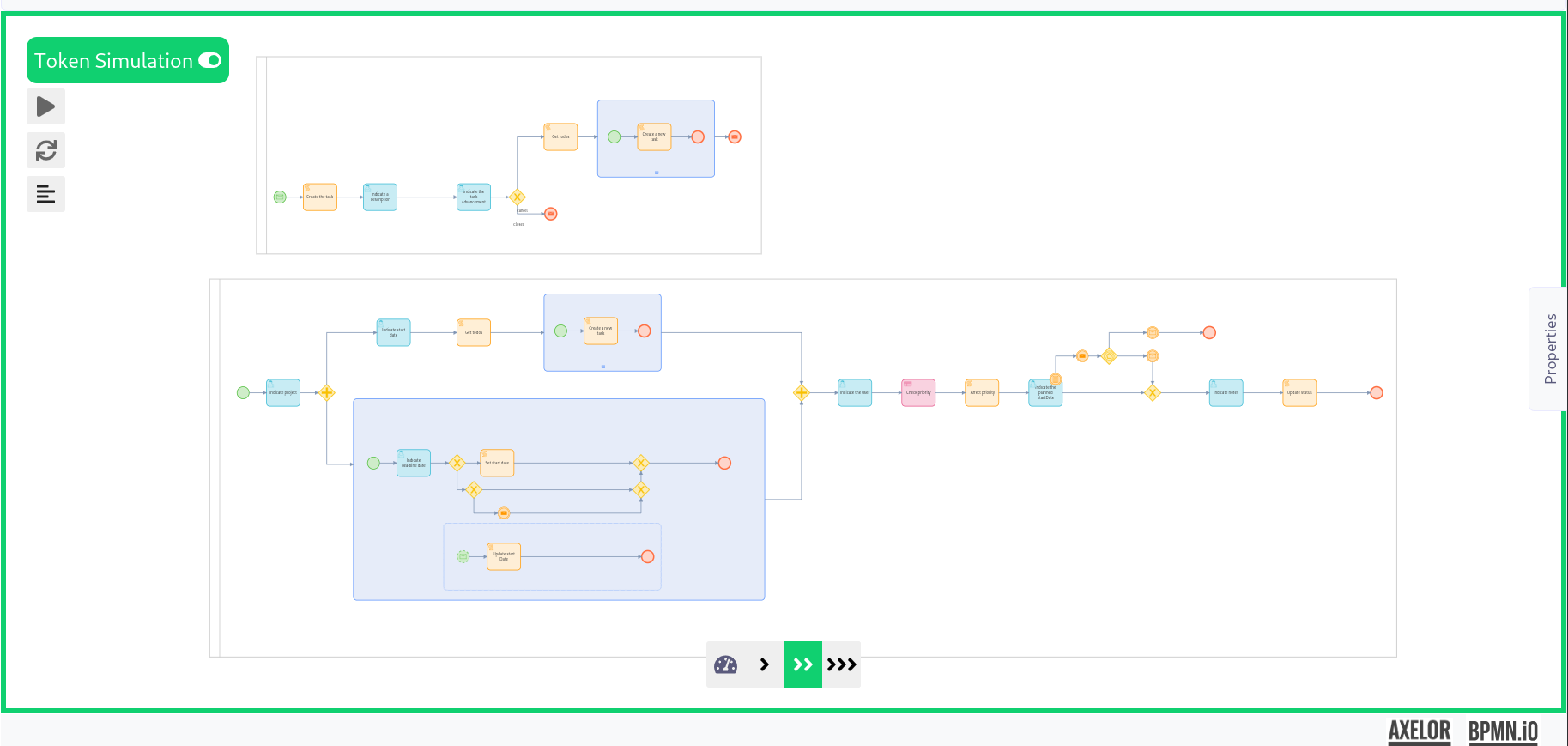
To turn the feature on/off, use the Token Simulation toggle (or the keyboard shortcut T inside the canvas). The modeling features will not work while you are in token simulation mode.
Start simulation
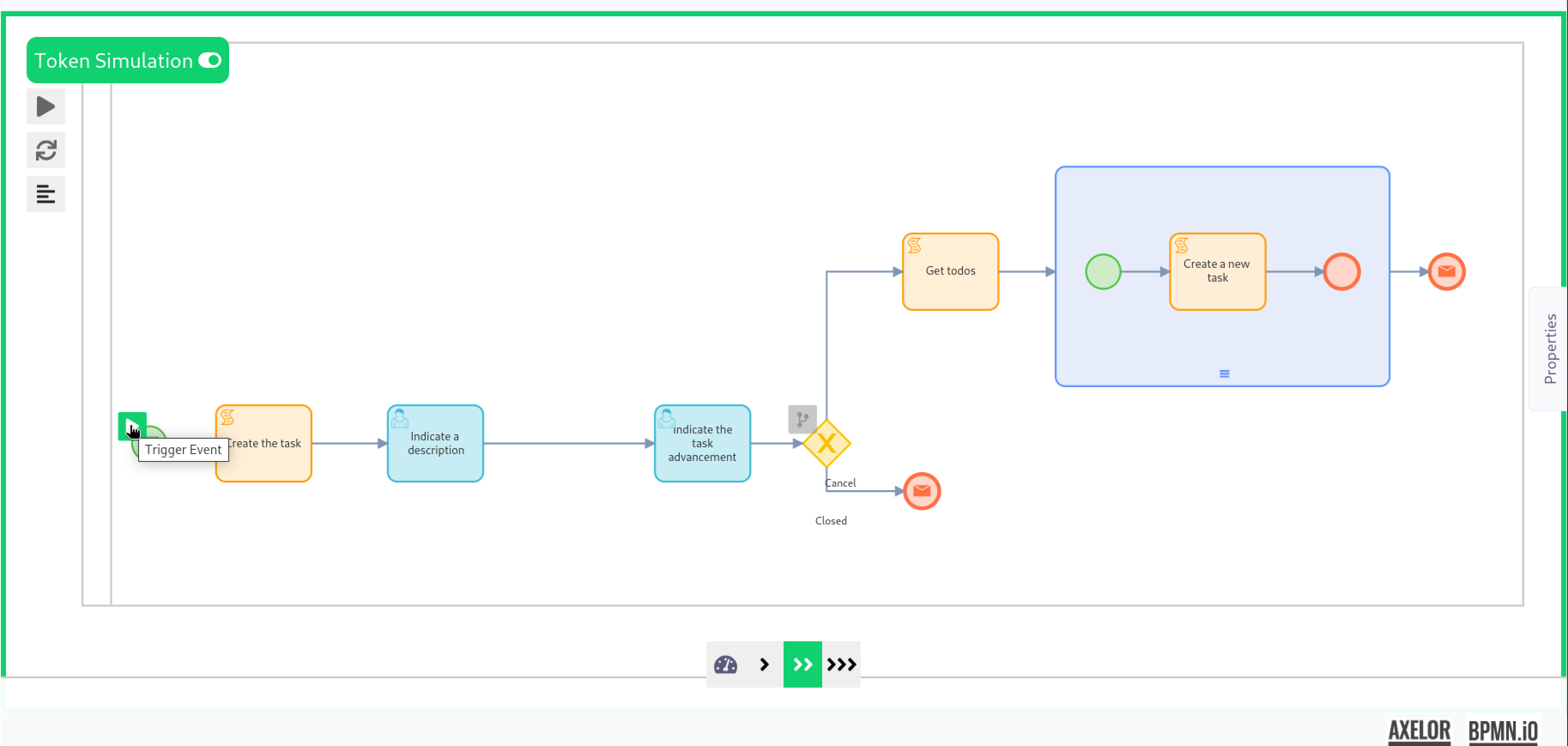
The simulation can be started by triggering an event using the corresponding button: